
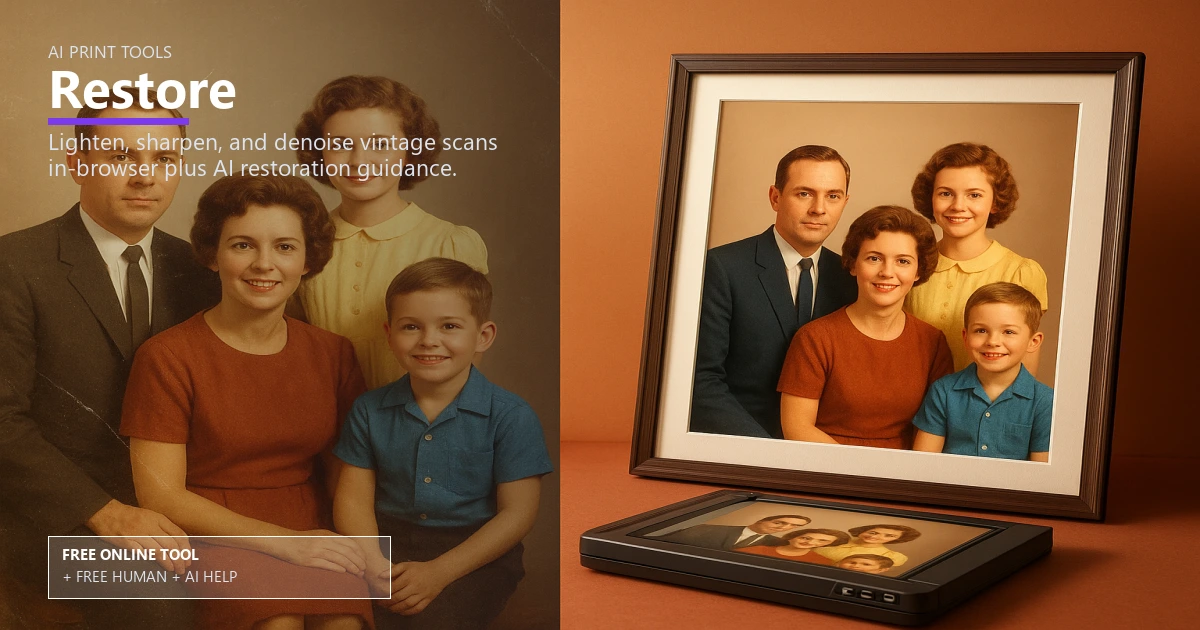
Free Photo Restore & Enhancement for Print

AI Print Tools

AI photo restorer for vintage images

Repair faded, scratched, or noisy photos and export print-ready restorations. Use it free online — or upload files for free Human + AI review by our prepress team.

restore old photosremove scratches from photoai photo cleanupcolorize black and whitefix faded imagesrepair vintage photosphoto noise reductionhigh resolution restorationfamily photo cleanupprint ready restoration

Drop scanned or vintage photo

Free Human + AI option

Not ready to trust the tool alone?

This Restore utility is 100% free in your browser. If you want our prepress team to run the same job manually — with AI assistance — upload your files and we will review and email you back at no charge.

  • Upload PDFs, images, spreadsheets, or screenshots of your results
  • Ask for Human + AI help with this exact task in the notes
  • Get a manual check plus AI-assisted fixes before you print

How to use this tool

  1. Upload the damaged photo Scan or upload the image you want restored.
  2. Choose restoration level Select scratch removal, noise reduction, and optional colorization.
  3. Export for print Download the restored file and confirm DPI before ordering prints.
  4. Optional: request free Human + AI help Prefer a real prepress review? Upload your files and note “Restore” — our team will run the same task manually with AI assistance and email you back at no charge.

Every step above can also be handled by our team — use the Human + AI upload button if you prefer personal assistance.

Bring faded memories back

The AI photo restorer fixes scratches, noise, and fading so family photos and archives look fresh again.

After restoring, boost resolution with the AI image upscaler and verify print readiness using the DPI resolution checker.

Colorize and clean

Optionally add color to black-and-white shots while keeping grain under control.

For portraits, refine backgrounds with the AI background remover before layout.

Share restored sets

Package before-and-after images into one PDF using the merge to PDF tool for client approvals or family albums.

Free online — or free Human + AI assistance

This page runs entirely in your browser at no cost. If you prefer a second set of eyes, email or upload your files through our complimentary file uploader and ask for Human + AI help with Restore. Our team will perform the same task manually, use AI where it helps, and send proof-ready feedback — also free.

Need broader design support? See our free Human + AI design services.

Frequently asked questions

Will it remove heavy scratches?

It reduces most scratches and blemishes; severe damage may need manual retouch.

Can it colorize black and white photos?

Yes, enable colorization to add natural hues to vintage images.

How do I ensure print quality?

Use the DPI resolution checker after export to confirm print readiness.

Can I make large prints?

Upscale the restored file and check DPI before ordering posters or canvases.

Can your team do this for me instead of using the online tool?

Yes. The browser tool is free and private, but if you would rather not rely on it alone, upload your files via our complimentary file uploader and request Human + AI help with “Restore”. Our prepress team will review manually — with AI assistance — and reply for free.

Browse the free print toolbox

View all 31+ calculators and file utilities · Also try merge to PDF, PDF to JPG, and QR codes.

🔒 Secured by 256-Bit SSL | Data Protection Guaranteed | 10,000+ Happy Customers | A+ Rating