
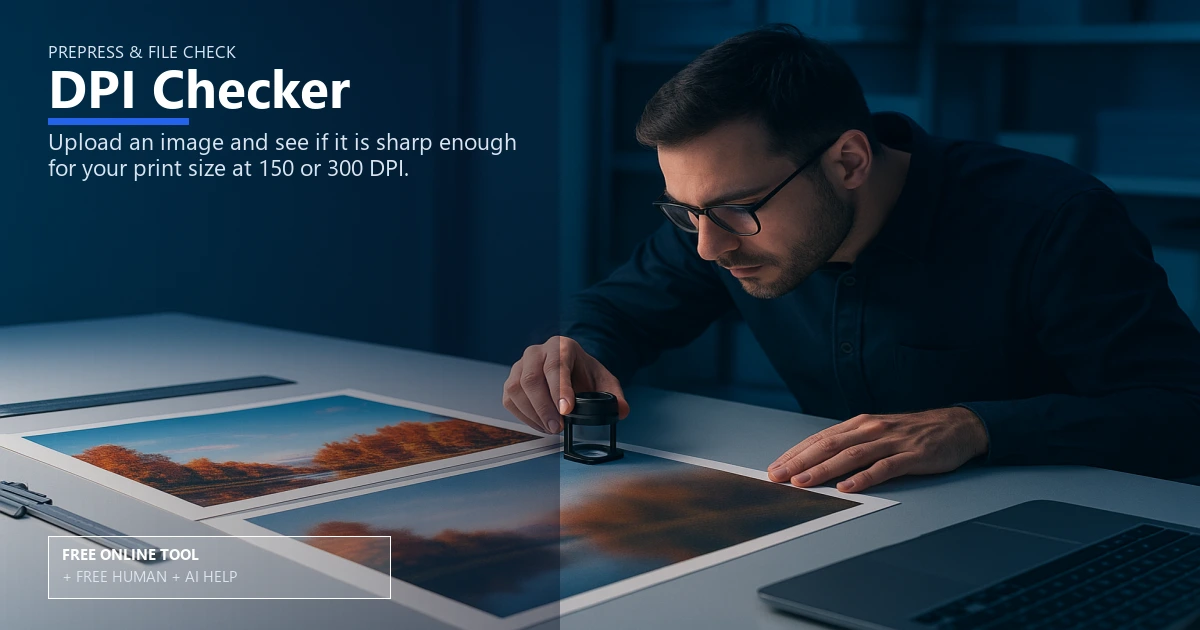
Free DPI & Resolution Checker for Print

Prepress & File Check

DPI resolution checker for print clarity

Run your artwork through the DPI resolution checker to match pixel dimensions with the right photo print size and keep every project sharp. Use it free online — or upload files for free Human + AI review by our prepress team.

print resolution calculatorppi vs dpipixel dimensionsphoto print sizeimage sharpnesspress ready fileslarge format printingoffset printingdigital printingprepress checklist

Drop image or click to browse
JPG, PNG, WebP supported

Free Human + AI option

Not ready to trust the tool alone?

This DPI Checker utility is 100% free in your browser. If you want our prepress team to run the same job manually — with AI assistance — upload your files and we will review and email you back at no charge.

  • Upload PDFs, images, spreadsheets, or screenshots of your results
  • Ask for Human + AI help with this exact task in the notes
  • Get a manual check plus AI-assisted fixes before you print

How to use this tool

  1. Upload or enter dimensions Enter pixel dimensions and intended print size to see instant DPI.
  2. Check DPI guidance Review ppi vs dpi notes and image sharpness recommendations.
  3. Export press ready files Download or adjust files following the prepress checklist.
  4. Optional: request free Human + AI help Prefer a real prepress review? Upload your files and note “DPI Checker” — our team will run the same task manually with AI assistance and email you back at no charge.

Every step above can also be handled by our team — use the Human + AI upload button if you prefer personal assistance.

Dial in the right resolution

This DPI resolution checker works as a print resolution calculator that translates pixel dimensions into an exact photo print size, clarifies ppi vs dpi, and keeps image sharpness consistent from proof to press.

Use the guidance to keep press ready files on spec for offset printing or digital printing, with a quick prepress checklist you can reuse on every project.

Prep files with confidence

Pair this tool with our bleed visualizer and print size cropper to finalize margins, then upload through the file uploader when everything is balanced.

Ready for any format

Whether you are proofing business cards or large format printing, the checker keeps resolution steady so text remains legible, gradients stay smooth, and colors line up cleanly across every run.

Free online — or free Human + AI assistance

This page runs entirely in your browser at no cost. If you prefer a second set of eyes, email or upload your files through our complimentary file uploader and ask for Human + AI help with DPI Checker. Our team will perform the same task manually, use AI where it helps, and send proof-ready feedback — also free.

Need broader design support? See our free Human + AI design services.

Frequently asked questions

What DPI should I aim for?

Aim for 300 DPI on most print pieces; posters or large format printing can run 200-250 DPI when viewed at a distance.

Does this replace manual checks?

Use it as a fast calculator, then follow your prepress checklist before submitting press ready files.

Is this tool accurate for offset printing?

Yes, the math is the same for offset printing and digital printing; just confirm your pixel dimensions and bleed settings.

Can I check multiple sizes?

Run alternate sizes quickly—combine with the image resize tool for easy adjustments.

Can your team do this for me instead of using the online tool?

Yes. The browser tool is free and private, but if you would rather not rely on it alone, upload your files via our complimentary file uploader and request Human + AI help with “DPI Checker”. Our prepress team will review manually — with AI assistance — and reply for free.

Browse the free print toolbox

View all 31+ calculators and file utilities · Also try merge to PDF, PDF to JPG, and QR codes.

🔒 Secured by 256-Bit SSL | Data Protection Guaranteed | 10,000+ Happy Customers | A+ Rating