
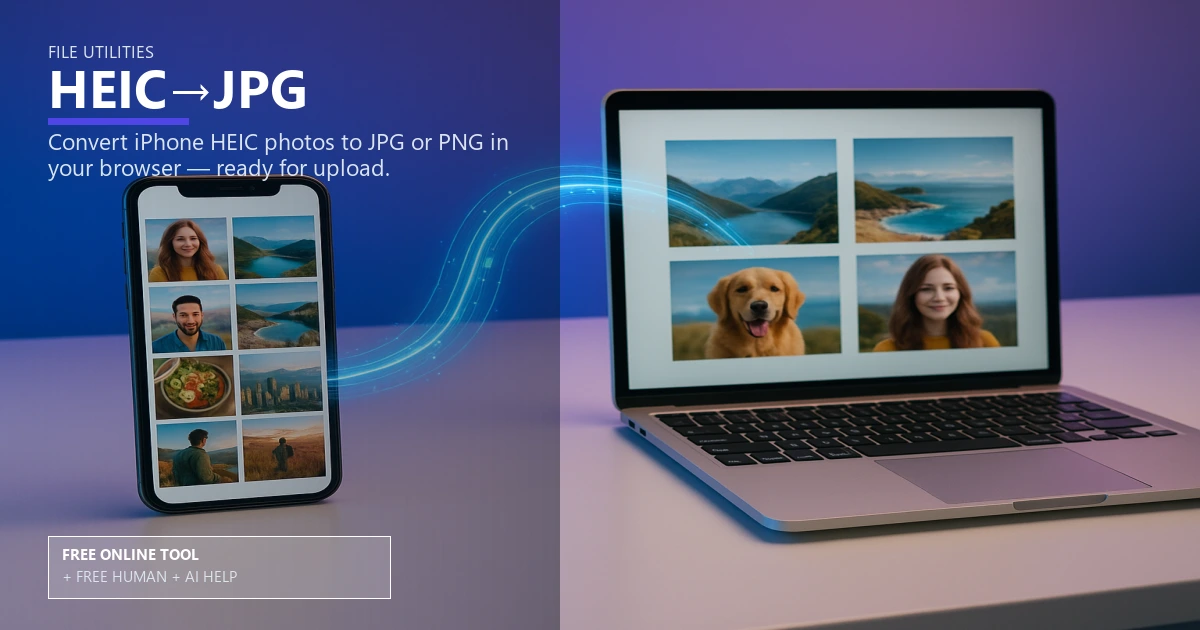
Free HEIC to JPG Converter for Print

File Utilities

Free HEIC to JPG converter for print

Turn iPhone photos into a print ready JPG with the right color profile and balanced image compression. Use it free online — or upload files for free Human + AI review by our prepress team.

iPhone photoscolor profileprint ready jpgimage compressionphoto resolutionfile conversionprepress checklistoffset printingdigital printingmetadata preservation

Drop HEIC / HEIF files
Multiple files supported

Free Human + AI option

Not ready to trust the tool alone?

This HEIC→JPG utility is 100% free in your browser. If you want our prepress team to run the same job manually — with AI assistance — upload your files and we will review and email you back at no charge.

  • Upload PDFs, images, spreadsheets, or screenshots of your results
  • Ask for Human + AI help with this exact task in the notes
  • Get a manual check plus AI-assisted fixes before you print

How to use this tool

  1. Upload your HEIC file Drop iPhone photos directly; no account needed.
  2. Choose print settings Lock in color profile, image compression, and photo resolution targets.
  3. Download print ready JPG Save the converted file and follow the prepress checklist.
  4. Optional: request free Human + AI help Prefer a real prepress review? Upload your files and note “HEIC→JPG” — our team will run the same task manually with AI assistance and email you back at no charge.

Every step above can also be handled by our team — use the Human + AI upload button if you prefer personal assistance.

Keep your colors accurate

This HEIC to JPG converter preserves the embedded color profile so iPhone photos land as a clean, print ready JPG.

You control image compression to balance file size with photo resolution while keeping metadata preservation intact for captions and rights info.

Built for press work

Use it as a fast file conversion step before offset printing or digital printing; it saves a prepress checklist reminder so nothing slips.

Pair it with the DPI checker and image resize tool to confirm pixel dimensions before upload.

Finish and send

Send the final file through the file uploader or jump to business cards when your artwork is ready.

Free online — or free Human + AI assistance

This page runs entirely in your browser at no cost. If you prefer a second set of eyes, email or upload your files through our complimentary file uploader and ask for Human + AI help with HEIC→JPG. Our team will perform the same task manually, use AI where it helps, and send proof-ready feedback — also free.

Need broader design support? See our free Human + AI design services.

Frequently asked questions

Does conversion strip metadata?

No, metadata preservation is enabled so author and rights data remain.

Which color profile should I use?

Use sRGB for digital printing and CMYK for offset printing when supported.

Will quality drop?

Set image compression to high or maximum to hold photo resolution for press.

What else should I check?

Run the DPI checker and confirm bleed and trim before submission.

Can your team do this for me instead of using the online tool?

Yes. The browser tool is free and private, but if you would rather not rely on it alone, upload your files via our complimentary file uploader and request Human + AI help with “HEIC→JPG”. Our prepress team will review manually — with AI assistance — and reply for free.

Browse the free print toolbox

View all 31+ calculators and file utilities · Also try merge to PDF, PDF to JPG, and QR codes.

🔒 Secured by 256-Bit SSL | Data Protection Guaranteed | 10,000+ Happy Customers | A+ Rating