
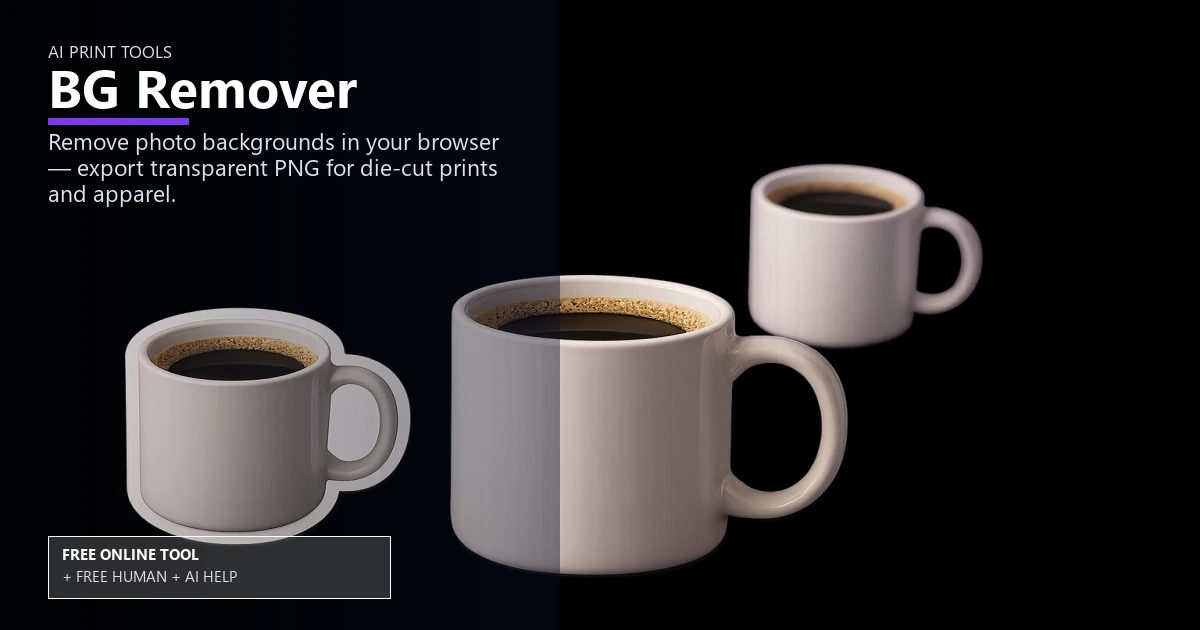
Free AI Background Remover for Print

AI Print Tools

AI background remover for print-ready cutouts

Remove backgrounds automatically, export transparent PNGs, and keep edges crisp for print layouts. Use it free online — or upload files for free Human + AI review by our prepress team.

remove background from imagetransparent png exportisolate product photosclean edges for printbulk background removalhigh resolution cutoutsmart masking toolphoto retouch workflowwhite background creatorprint ready png

Drop JPG or PNG
Processing runs on your device (may take 20–60 seconds)

Free Human + AI option

Not ready to trust the tool alone?

This BG Remover utility is 100% free in your browser. If you want our prepress team to run the same job manually — with AI assistance — upload your files and we will review and email you back at no charge.

  • Upload PDFs, images, spreadsheets, or screenshots of your results
  • Ask for Human + AI help with this exact task in the notes
  • Get a manual check plus AI-assisted fixes before you print

How to use this tool

  1. Upload the photo Drop a product or portrait; the AI finds the subject automatically.
  2. Refine the cutout Use smart masking to clean edges and keep high resolution for print.
  3. Export transparent PNG Download a print-ready PNG and check DPI with the resolution checker.
  4. Optional: request free Human + AI help Prefer a real prepress review? Upload your files and note “BG Remover” — our team will run the same task manually with AI assistance and email you back at no charge.

Every step above can also be handled by our team — use the Human + AI upload button if you prefer personal assistance.

Print-ready cutouts in minutes

The AI background remover isolates product photos, keeps a clean edge, and outputs transparent PNG files so you can drop images into catalogs or postcards without tedious masking.

After exporting, verify clarity with the DPI resolution checker or resize in the print size cropper.

Keep quality for large formats

High resolution cutouts hold detail for brochures, banners, and ecommerce galleries. If you need more pixels, pair results with the AI image upscaler to boost size before layout.

Faster workflows with other tools

Batch assets, then merge proofs with the merge to PDF tool for client review. Finish with color checks using the color contrast checker before sending to print.

Free online — or free Human + AI assistance

This page runs entirely in your browser at no cost. If you prefer a second set of eyes, email or upload your files through our complimentary file uploader and ask for Human + AI help with BG Remover. Our team will perform the same task manually, use AI where it helps, and send proof-ready feedback — also free.

Need broader design support? See our free Human + AI design services.

Frequently asked questions

Does it keep transparency?

Yes, downloads are transparent PNGs suitable for print and web.

Can I handle bulk images?

Upload images one by one; each uses the same AI background remover pipeline.

How do I avoid jagged edges?

Use the refine step, then confirm sharpness with the DPI resolution checker.

What if I need a white background?

Export the transparent PNG and place it on a white layer in your layout tool.

Can your team do this for me instead of using the online tool?

Yes. The browser tool is free and private, but if you would rather not rely on it alone, upload your files via our complimentary file uploader and request Human + AI help with “BG Remover”. Our prepress team will review manually — with AI assistance — and reply for free.

Browse the free print toolbox

View all 31+ calculators and file utilities · Also try merge to PDF, PDF to JPG, and QR codes.

🔒 Secured by 256-Bit SSL | Data Protection Guaranteed | 10,000+ Happy Customers | A+ Rating