


- Free design means prepress tuning, fixes, and full rebuilds before you pay—not a paid add-on hidden at checkout.
- AI speeds first drafts; a human designer finishes files for bleed, CMYK, trim, and press-ready PDF export.
- Works for business cards, flyers, banners, and brochures when artwork is missing, broken, or almost there.
Free graphic design for printing sounds like marketing fluff until your Canva export arrives with clipped logos, RGB blues, and no bleed. Most online printers charge setup fees or send you back to fix files yourself. A rare workflow combines AI-assisted layout with human prepress review at no charge before payment: tune what you have, rebuild what you cannot save, or create from scratch when you only have a logo and a phone number. This guide explains how that process works on the floor, what gets fixed for free, where AI helps versus where humans must finish, and how to pair design help with proof-before-pay checkout so you never fund a bad file.
What does free graphic design for printing include?
Free graphic design for printing includes bleed and safe-zone correction, CMYK and resolution fixes, logo vectorization when possible, layout rebuilds for standard trim sizes, and full art creation from your logo, photos, and copy. AI tools accelerate first-pass layout and variation; a human designer approves the file for press, exports print-ready PDFs, and flags issues you would not catch on screen. You review proofs before payment, not after ink is committed.
Why most uploaded files are not print-ready
Screen design and press production use different rules. A PDF that fills an iPhone display can still fail preflight because pixels are too small, colors are RGB, margins sit inside the trim line, or fonts are not embedded. Canva, Google Docs, and phone camera photos are common starting points—they are not wrong for brainstorming, but they are rarely press-ready without conversion.
The gap between “looks good” and “runs on press”
Monitors emit light; paper reflects ink. Blues shift. Neon greens flatten. Small type that reads on a backlit screen can fill in on matte cardstock. Full-bleed backgrounds need extra art beyond the final size so cutters never expose white edges. Each of these is a teachable fix, but only if someone opens the file before the run.
What typical DIY exports miss
- Bleed: backgrounds stop at trim; white hairlines appear after cut
- Safe zone: phone numbers and QR codes sit too close to the edge
- Resolution: logos pulled from websites are 72 dpi placeholders
- Color mode: RGB hex colors convert unpredictably to CMYK
- Font embedding: type substitutes or reflows at the RIP
Buyers often discover these issues after paying elsewhere. A workflow that fixes files before payment removes that financial risk.
How AI and human designers work together on print jobs
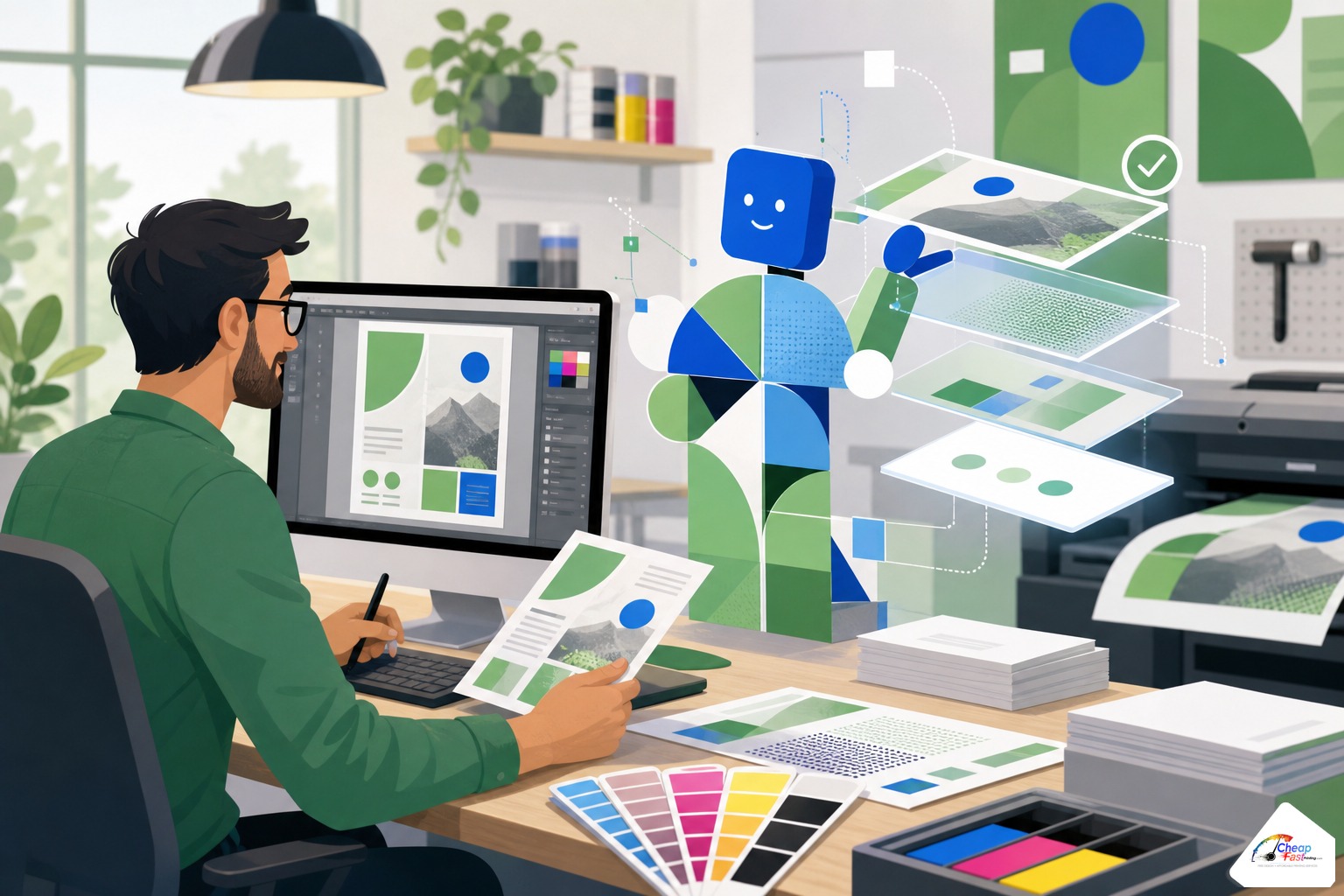
AI speeds drafts; humans finish for print. That split is deliberate. Generative and template-assisted tools excel at rapid composition: headline hierarchy, photo placement, alternate colorways, and first-pass flyer grids. They do not reliably output correct bleed boxes, embedded fonts, or ink-safe blacks without review.
Where AI helps first
On our floor, AI assists with layout variations when a customer has brand colors and copy but no InDesign file. It suggests column structures for tri-fold brochures, scales headline sizes for banner viewing distance, and produces quick mockups for “from scratch” jobs. That cuts hours off blank-page projects so the human designer spends time on precision, not guessing grid math.
Where humans must finish
A lead designer checks every file against trim specs for the ordered product. Humans correct rich black recipes for coated stock, adjust logo clear space, rebuild low-res raster logos into vectors when source allows, and set bleed and crop boxes in the PDF. They also catch content errors AI cannot judge—wrong phone numbers, outdated offers, or QR codes that point to broken links.
Why both layers beat DIY alone
Pure DIY without prepress review works when you already export CMYK PDF/X with bleed from professional tools. Pure AI without human finish often produces pretty JPEGs that fail cutter tolerance. The combined workflow targets small businesses that need professional output without hiring a freelance designer for every reprint.
What we fix for free before you pay
Complimentary design is not unlimited brand consulting. It is production-focused help so your order can run cleanly. These are the most common free fixes our team performs before payment is captured.
Bleed, trim, and safe-zone corrections
We extend backgrounds to standard bleed, move live type inward to safe zones, and resize artboards to match the product you ordered. A 4×6 flyer uploaded at 4×6 with no bleed gets rebuilt at 4.25×6.25 (or your printer’s spec) so solids reach the cutter line.
CMYK conversion and color cleanup
RGB exports convert with profile-aware settings. Logos on large color fields get checked for out-of-gamut blues and greens. We do not promise Pantone-perfect match on every promo job, but we prevent the worst surprises—neon web greens turning mud brown on coated stock.
Logo cleanup and vector rebuilds
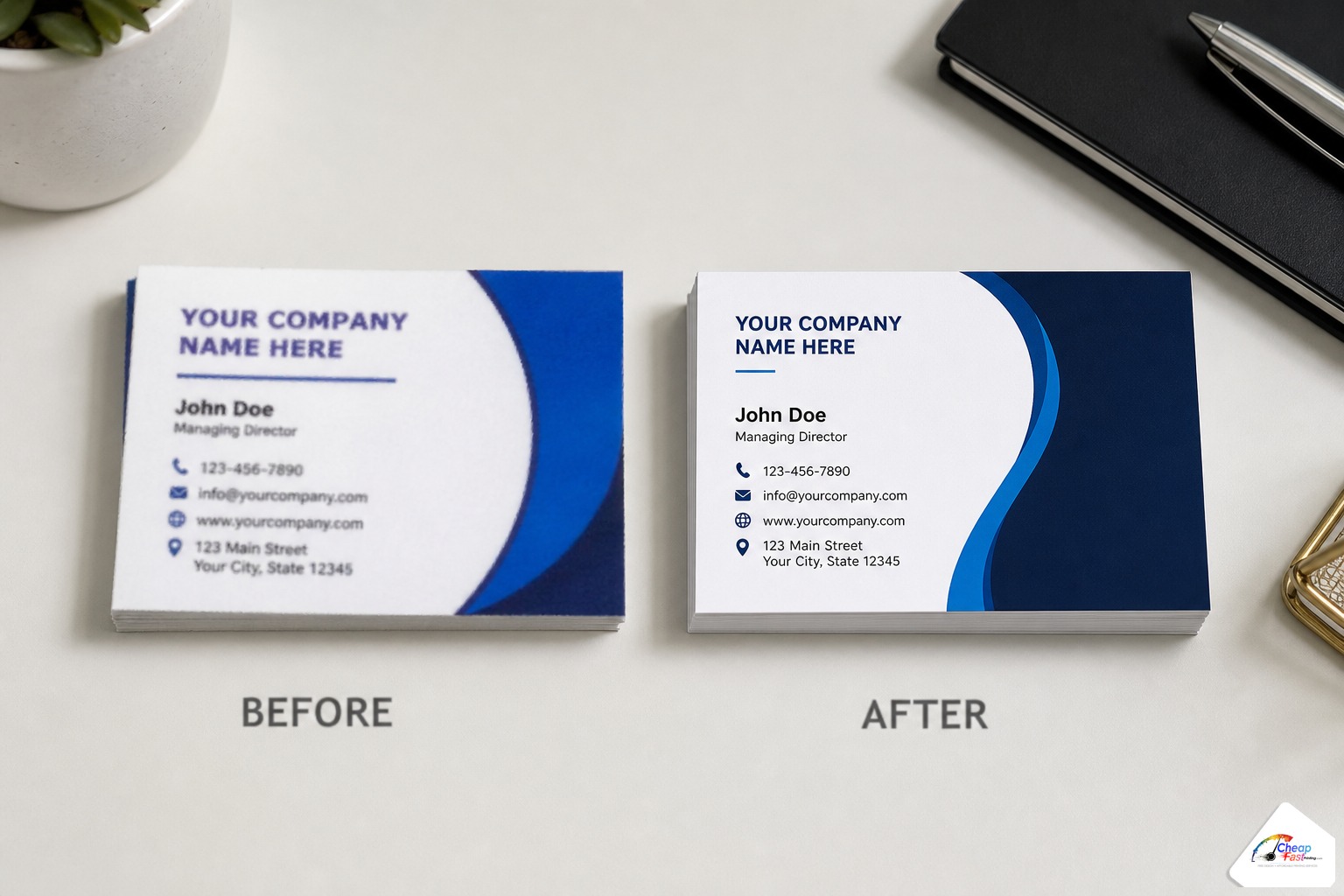
Website PNG logos are a daily upload. When resolution allows, we trace or rebuild vector paths so edges stay crisp at business-card size. When source is too small, we flag it on the proof so you can supply a better asset before approving.
Layout rebuilds and full re-creations
Some files cannot be patched—multi-column Word flyers, stretched JPEGs, or designs built at the wrong aspect ratio for a retractable banner. Rebuilds are still complimentary when tied to an order. The designer recreates the intent in a print-native layout rather than forcing a broken file through the RIP.
From-scratch art when you only have basics
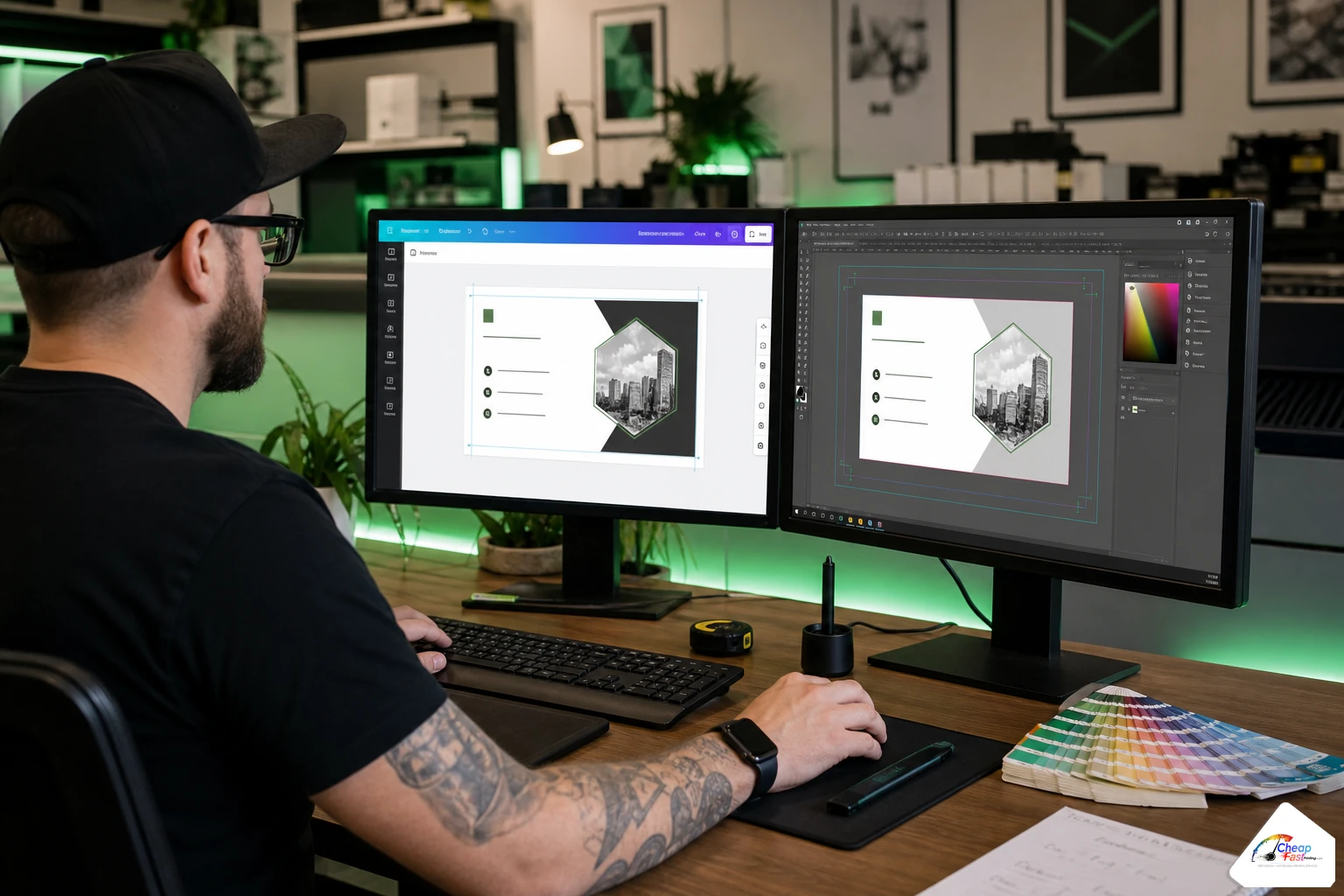
Logo file, phone number, and a list of services are enough to start. AI proposes structure; the designer applies brand-consistent typography, white space, and product-specific sizing. You receive a proof PDF for approval before production.
Free fixes versus from-scratch design: what to expect
| Situation | Typical approach | Turnaround feel |
|---|---|---|
| PDF almost ready, minor bleed issue | Quick patch + proof | Same day in many cases |
| Canva RGB export, correct size | Convert, embed, extend bleed | Short prepress queue |
| Low-res logo, good layout | Vector attempt + layout hold | May need new logo file from you |
| Word doc or phone photo only | Full layout rebuild | One proof cycle typical |
| Logo + copy, no art | AI draft + human finish | From-scratch timeline |
Fixes and rebuilds happen before payment, paired with proof approval. If the proof is wrong, you request changes without having paid for a run you cannot use. That pairs naturally with pay-later checkout workflows where order placement and payment are separate steps.
What free design is not
It is not unlimited rounds of brand identity work unrelated to a print order. It is not copyright clearance for stock photos you did not license. It is not a substitute for a long-form agency retainer when you need brand books and campaign strategy. It is production design tied to cards, flyers, banners, and brochures you intend to print.
Free design by product: cards, flyers, banners, brochures
Each product carries different layout rules. Complimentary design adapts to those specs instead of forcing one template everywhere.
Business cards
Standard U.S. cards are 3.5×2 inches plus bleed. Double-sided jobs need show-through checks on heavy ink. We align logos to safe zones, set type sizes readable at arm’s length, and export with correct die lines if you ordered rounded corners or special shapes. A common fix is rebuilding a square social-media graphic into proper card proportions without squashing the logo.
Flyers and handouts
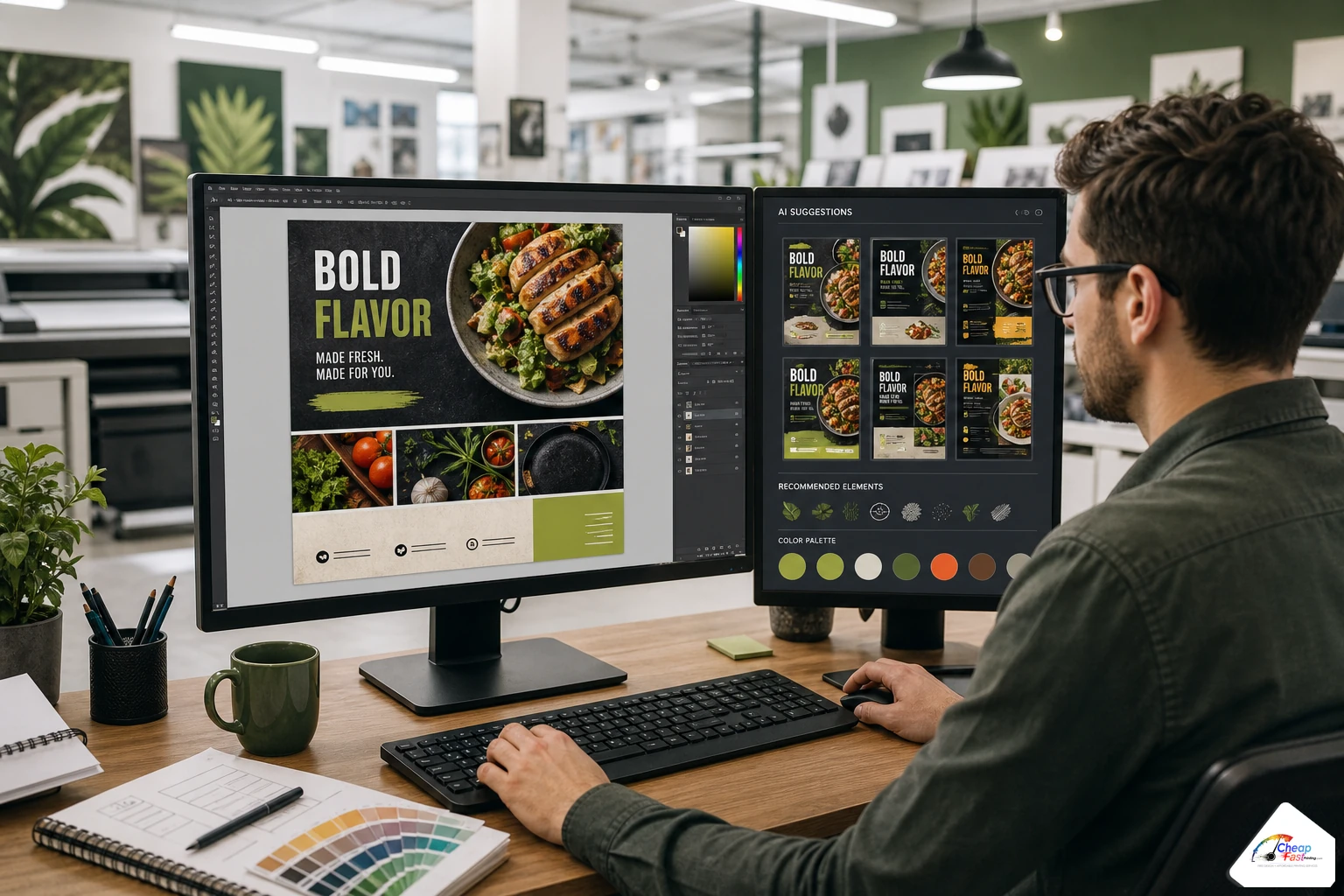
Flyers depend on viewing distance and fold lines. Headline size, QR placement, and coupon cut lines must survive trim variance. AI helps generate initial grid options for event promos and menu inserts; designers set bleed for full-bleed photography and verify ink coverage on dark backgrounds.
Banners and large format
Banners fail differently than cards. Viewing distance dictates minimum type size. Low-resolution photos that pass on a card blur at 24×36 inches. Designers rebuild or swap hero images, set grommet-safe margins, and check vector logos scale without jagged edges. Retractable banner templates need correct aspect ratios—uploading a square Instagram post is a frequent rebuild trigger.
Brochures and folded pieces
Tri-folds and bi-folds require panel order logic. Page 2 on screen is not always panel 2 after fold. We map copy to panels, align crossovers at folds, and set creep allowances on thicker stocks when needed. Brochure jobs benefit most from human oversight because AI layouts often ignore fold sequence.
Cost and value tiers: DIY, paid design, and complimentary prepress
Exact pricing varies by quantity and turnaround. Use these tiers to decide how much design help you need before you upload.
| Tier | Your input | Typical outcome | When it fits |
|---|---|---|---|
| DIY print-ready | CMYK PDF with bleed from pro tools | Minor preflight only | You have a designer on staff |
| DIY + free fixes | Canva, Word, or imperfect PDF | Complimentary tuning before proof | Most small business orders |
| From-scratch complimentary | Logo, photos, copy only | AI draft + human finish | Grand openings, first print run |
| Agency / freelance | Brand strategy + campaigns | Full identity systems | Rebrands beyond one SKU |
Online printer vs local shop vs boutique agency (category view)
Online production scales when standardized sizes and gang-run workflows keep unit costs low; complimentary prepress extends that value to non-designers. Local shops may charge hourly art fees but offer face-to-face proofing. Boutique agencies excel at brand strategy but are overkill for a 500-piece flyer rerun. For many buyers, uploading imperfect art to a shop that fixes files free before payment captures most of the quality at a fraction of agency cost—provided you approve proofs carefully.
Pairing free design with pay-later checkout
Design fixes matter most when payment waits until approval. Placing an order without paying upfront lets prepress work the file, send proofs, and apply revisions while your card stays untouched. Read how that checkout path works in our guide to pay later print checkout with no payment first. The two features together reduce reprint risk: you see fixed art and approve before funds capture.
Real-world scenarios on our floor
Scenario: contractor with a phone photo of an old card
A roofing contractor photographed a worn wallet card. The photo was skewed, shadowed, and low resolution. AI helped reconstruct a clean two-sided layout with updated phone number and license line. Human finish set bleed, converted reds to CMYK safely, and proofed on 16pt matte before the customer paid. Total customer design time: zero InDesign hours.
Scenario: salon reopening flyer from Canva
RGB export looked vibrant on screen. Prepress extended bleed on a full-bleed photo background, embedded fonts, and moved the booking QR inside safe zone. One proof cycle. The owner approved online and paid after seeing the PDF—not before.
Scenario: nonprofit tri-fold brochure in Word
Three columns of text pasted from a newsletter. Rebuild required mapping panels, choosing readable type sizes for older donors, and sourcing licensed stock the client approved. AI suggested headline hierarchy; the designer owned fold logic. Word source became a print-native PDF—something Word export alone would not achieve.
Scenario: realtor banner with MLS photos
Agent ordered a 2×6 foot banner but uploaded Instagram squares. Designers rebuilt at correct aspect ratio, upscaled within reason, and set type for driveway viewing distance. Low-res agent headshot was replaced with a higher file the agent emailed after proof markup.
How to start: upload what you have and request design help
You do not need a perfect file to begin. Configure your product (quantity, size, stock), upload whatever art exists—even a screenshot or DOCX—and note “needs design help” in comments if the uploader asks. Prepress opens the job, classifies it as fix versus rebuild, and returns a proof PDF.
For orders where design is the primary deliverable before print, the dedicated product path is Free Human & AI Graphic Design. Use it when you want design scoped as its own step with the same complimentary-before-payment policy. Either path ends at the same place: a human-reviewed proof you approve before production.
What to include in your upload notes
- Final trim size if you designed before ordering
- Brand hex codes if you know them (CMYK preferred)
- Must-keep elements: logo, disclaimer, QR destination URL
- Photos with higher resolution than web thumbnails
- Deadline for event mailers or grand openings
Clear notes reduce proof cycles. Missing phone numbers and typos are the most common second-round delays—and those are on the content you supply, not the layout engine.
Upload whatever you have—PDF, Canva export, or a folder of logos and photos. Request a proof and complimentary design fixes before you approve payment.
Frequently asked questions
Is graphic design really free before I pay?
Yes, for production-focused fixes and rebuilds tied to a print order. Prepress adjusts bleed, color, resolution, and layout at no design fee before payment is captured. You approve a proof first. Unlimited brand consulting unrelated to a specific order is outside scope, but typical small-business print files are covered.
What does the 90% statistic mean?
Internal production sampling shows roughly nine in ten orders receive at least one complimentary design touch before payment—often minor. That includes bleed fixes, CMYK conversion, logo cleanup, or full rebuilds. It reflects our floor experience, not an industry-wide benchmark every printer shares.
How does AI help if a human finishes the file?
AI accelerates first drafts for from-scratch work: layout grids, headline sizing, and variation passes. Humans verify trim size, embed fonts, set bleed, correct ink densities, and catch content errors. Press-ready PDF export always goes through designer review on our workflow.
Can you design business cards from only a logo?
Yes. Supply a vector or high-resolution logo, phone, email, and services list. Designers build a standard 3.5×2 inch layout with appropriate safe zones and send a proof PDF. Rounded corners, spot UV, or special dies may need extra proof attention but follow the same complimentary model.
Do you fix Canva and Word files?
Canva PDFs and Word exports are common uploads. We convert RGB to CMYK where needed, extend bleed, embed or outline type, and rebuild when the source structure is too weak for a patch. Expect a proof showing changes rather than silent auto-fix without review.
What products qualify for free design help?
Business cards, flyers, banners, brochures, and similar marketing print SKUs in our catalog qualify when you place an order. Large-format and folded pieces get product-specific margin and fold checks. Extremely custom die projects may need extra proof rounds but still start with complimentary prepress review.
How many proof revisions are included?
Revisions focus on production accuracy and reasonable content tweaks—phone number updates, headline changes, color shifts within gamut. Endless creative exploration belongs in a paid agency relationship. Most jobs close in one or two proof cycles when customers respond promptly with consolidated feedback.
Does free design work with pay-later checkout?
Yes. You can place an order, receive complimentary fixes and proofs, and pay only after approval. That separates file preparation from payment capture and reduces paying for a run you cannot use. Design and pay-later together are complementary risk reducers for first-time print buyers.