


- Pay Later lets you finish checkout (shipping, specs, artwork notes) without entering a card first.
- Both guest and logged-in shoppers can choose Pay Later when Pay Now is not the right moment.
- You review a proof before pay; production prep and complimentary design tuning happen while the order sits in “Pay Later” status.
Pay later printing at checkout means you can complete a real order, lock in your product specs, and hand off artwork without paying upfront. That workflow is rare among online printers, most require card capture before an order enters production queue. At Cheap Fast Printing, Guest Pay Later and Logged-in Pay Later paths both create a live order with status such as “Order Placed – Pay Later” until you approve a proof and submit payment. This guide explains how that checkout works, when it beats Pay Now, what happens on the production floor, and how proof-first ordering reduces reprint risk for first-time buyers, busy owners, and anyone whose card failed at the last step.
What is Pay Later print checkout?
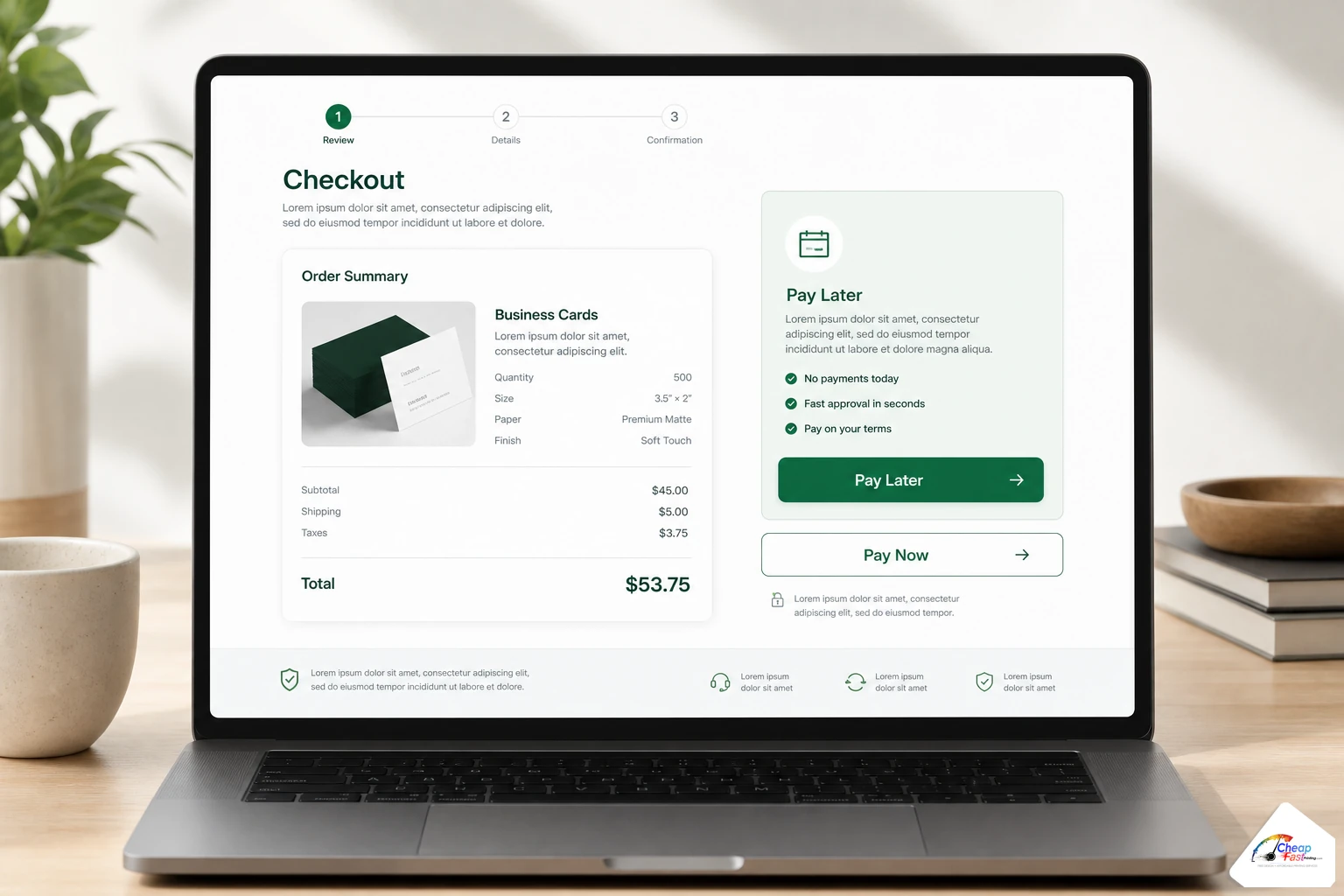
Pay Later print checkout is an option at the final cart step that places your order into production prep without charging your card first. You enter shipping details, confirm product options, upload files or design notes, and submit. The order receives a Pay Later status until you approve a proof and complete payment. Guest shoppers and logged-in account holders both see the option when checkout loads. It is designed for buyers who want certainty on color, trim, and layout before money changes hands.
Why complete checkout without payment first is rare among online printers
Most ecommerce print sites treat payment as the gatekeeper. Their systems assume that once money is captured, the job is final and any art change becomes a cancel-and-reorder problem. That model works for simple commodity runs with perfect files, but it punishes real-world buyers: first-time uploaders, marketing managers approving on behalf of a boss, and small businesses juggling a dozen priorities before they sign off on ink.
A proof before pay workflow requires different order logic. The cart must create a valid order record, notify prepress, hold payment fields empty, and expose a payment link only after human or automated proof approval. Inventory, shipping labels, and production scheduling still need to attach to that order without a transaction ID. That is why you will not see Pay Later on every online printer, even when they advertise “free proofs” in marketing copy.
We are not claiming to be the only shop on earth with flexible checkout. Local boutiques sometimes invoice net-30 after a press check. What is uncommon is pairing guest-accessible Pay Later, digital proof delivery, and complimentary design fixes in one self-serve cart. That combination matters when you need speed and safety at the same time.
How complete checkout without payment first works (technical basics)
When you click Pay Later, the unified checkout processor records your cart lines, shipping method, and contact email exactly as it would for Pay Now. The difference is payment method and order status. Pay Now paths expect a successful Stripe, PayPal, Authorize.Net, Apple Pay, or Google Pay transaction before the order moves forward. Pay Later paths skip card capture and assign a status such as “Order Placed – Guest Pay Later” or “Order Placed – Logged-in Pay Later” depending on session state.
Order status until you pay
Your confirmation email and account dashboard show that Pay Later status clearly. Production can begin file review, preflight, and layout adjustments while payment remains open. When you approve the proof, you receive a payment link or return to checkout to pay. Only then does the status shift to a paid state suitable for final scheduling on press.
What you still commit to at checkout
Pay Later is not a quote request. You are placing an order with real specs: quantity, stock, size, coating, and ship-to address. Changing quantity or product family after proof may require a revised total. Changing artwork after approval can restart proof timing. Treat checkout as locking the commercial terms while leaving the financial step open until the visual proof matches your expectation.
Logged-in fallback when Pay Now fails
If you are logged in and attempt Pay Now but your card declines, checkout can route you to a Pay Later fallback so the order is not lost. Status naming in our system reflects that path (for example, logged-in Pay Later after card failure). You still receive proof review before retrying payment, which is preferable to abandoning a cart and rebuilding from scratch.
Guest Pay Later checkout (no account required)
Guest Pay Later is for buyers who do not want to create an account before testing a new printer. You add products, open the cart, choose guest checkout, and select Pay Later instead of Pay Now. Shipping fields, email, and phone still validate so proofs and tracking have a destination.
Guest orders remain tied to your email address. Save the confirmation message; it is your receipt and proof thread anchor. If you later create an account with the same email, historical guest orders may appear in My Account depending on merge rules, but do not rely on that for urgent approvals. Approve proofs from the email link even when traveling.
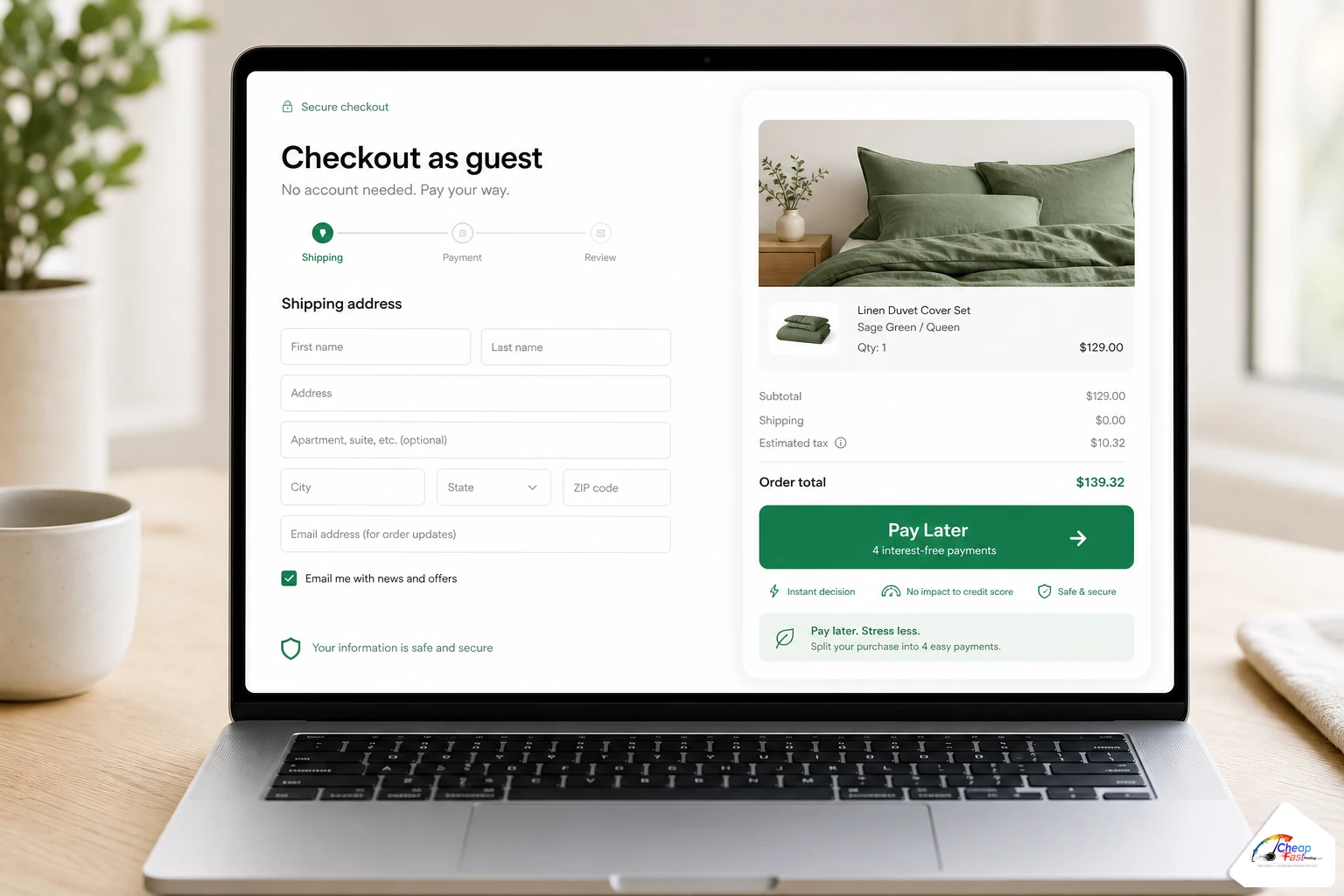
When guests should choose Pay Later over Pay Now
- First order with a new vendor and you want to see a proof PDF before spending
- Artwork came from Canva, Word, or a volunteer designer and likely needs prepress cleanup
- You are ordering on behalf of a client who has not signed the layout yet
- Your team is comparing two online printers and wants production response without double-charging cards
Guest limitations to plan for
Guests do not see saved addresses or stored payment methods. Reordering the same SKU later means re-entering details unless you register. Payment still must succeed before the job hits final production queue, so treat guest Pay Later as proof-first, not payment-free printing.
Logged-in Pay Later checkout
Logged-in customers see Pay Later at the top of the checkout button stack, separated from Pay Now by a simple “Or” divider. The logged-in path is ideal when you order monthly flyers, recurring business cards, or banner replacements and want the next proof cycle without an immediate charge.
Account holders benefit from stored shipping profiles, order history, and faster reorders. Pay Later on a logged-in session still follows the same proof-before-pay rules: status stays in a Pay Later state until approval and payment. Repeat buyers often alternate: Pay Now when art is unchanged from a prior approved job, Pay Later when marketing refreshed the layout.
Card failed? Pay Later as a safety net
Credit card failures at checkout are common: expired cards, bank fraud blocks, corporate daily limits, or mistyped CVV codes. A logged-in Pay Later fallback preserves your cart configuration and artwork upload so prepress can start while you fix billing. You are not stuck re-uploading a 200 MB PDF because payment hiccuped on the last click.
The Pay Later workflow from cart to paid production
Most Pay Later jobs follow five visible steps. Steps overlap in real time (design edits may happen during proof review), but the sequence below is what customer success teams use when explaining timing on the phone.
- Configure product: Choose size, quantity, stock, coating, and turnaround on the product page.
- Upload art or notes: Attach a print-ready PDF, or describe what you need if you are requesting complimentary design help.
- Pay Later checkout: Complete shipping and contact fields; submit without payment.
- Review proof: Receive a PDF or email proof showing trim, bleed context, and color as prepress prepared it.
- Pay when approved: Approve visually, then pay through the link provided so the job schedules on press.
Pay Later workflow: five steps
How most customers complete an order before payment, then pay after proof approval.
|
1
Configure product |
2
Upload art or notes |
3
Pay Later checkout |
4
Review proof |
5
Pay when approved |
Steps may overlap (e.g. design edits during proof). Payment is not required to place the order.
Proof before pay: what you should look for
A proof is your last cheap chance to catch errors. Once paid production runs on large quantities, fixing a typo or wrong phone number costs time and materials. Pay Later exists so that review happens while your wallet stays closed.
What arrives in a typical proof email
Expect a PDF showing crop and safe zones, possibly with overlay guides if your file had margin issues. Color on screen is still RGB unless you received a calibrated soft proof; trust the prepress note about CMYK shifts on bright brand reds and neon blues. If something looks off, reply with annotated comments rather than approving silently.
Free design fixes during proof stage
As noted on our floor, about nine orders in ten need some complimentary tuning before payment. Common fixes include extending backgrounds into bleed, converting RGB logos, rebuilding low-resolution social icons, and adjusting type size inside safe zones. Pay Later gives prepress permission to perform that work because the order is already active, not sitting in an abandoned cart.
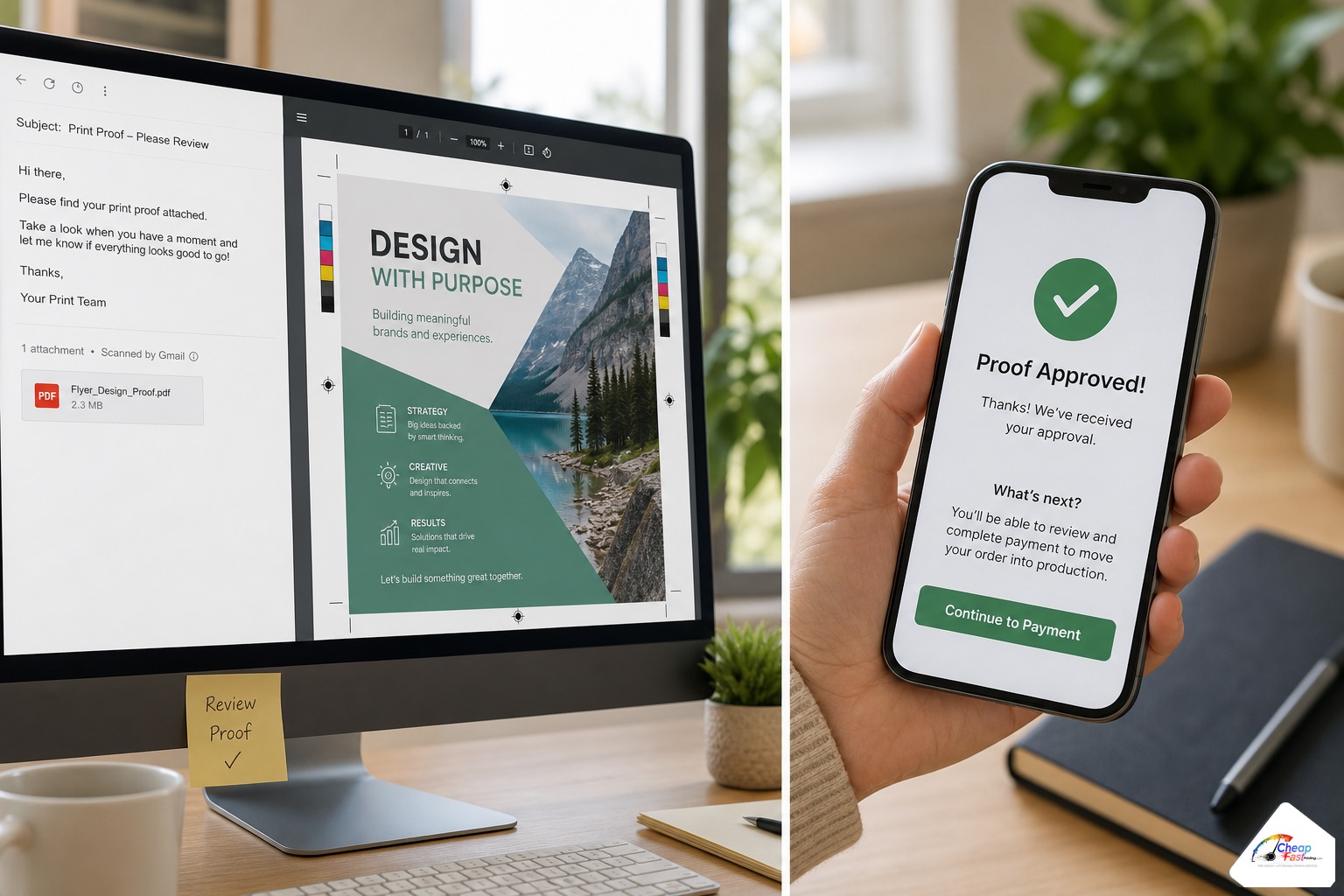
Approval discipline
Approve only when every phone number, QR code, and legal line matches your source document. Check both sides of duplex pieces. Zoom to 100% on small type. If your proof includes a prepress comment (“logo below print minimum”), ask for clarification instead of ignoring it.
Pay Later vs Pay Now: side-by-side comparison
Neither option is “better” universally. Pay Now suits repeat jobs with frozen art. Pay Later suits new files, stakeholder approval chains, and recovery from payment errors.
| Factor | Pay Later | Pay Now |
|---|---|---|
| Card charged at checkout | No | Yes |
| Order enters prepress queue | Yes, with Pay Later status | Yes, with paid status |
| Proof before production charge | Designed for this path | Still available, but money already captured |
| Guest access | Yes | Yes |
| Best for unchanged repeat art | Optional | Often faster |
| Best for new or risky files | Strong default | Use only if art is preflight-clean |
| Card decline handling | Fallback path preserves order | Must retry payment immediately |
| Refund complexity if art wrong | Lower (pay after fix) | Higher (refund then reorder) |
Three scenarios where Pay Later saves the day
Scenario 1: First-time buyer testing a new online printer
Jess runs a boutique fitness studio and found us through a referral. She has never ordered vinyl banners online. Her Canva export looks fine on Instagram but may lack bleed. Jess chooses Guest Pay Later, uploads the file, and receives a proof showing trimmed edges cutting into her gradient. Prepress extends the background at no charge. She pays only after the PDF looks correct. Without Pay Later, she might have paid first, panicked at the proof, and assumed the shop was at fault.
Scenario 2: Card failed at checkout fallback
David manages IT for a church and orders 2,000 bulletins quarterly. His corporate card expired mid-checkout on a logged-in Pay Now attempt. Instead of losing the configured order, he completes Logged-in Pay Later, forwards the proof to the office manager, and updates the card on file the next morning. Payment clears after approval; bulletin stock ships on schedule. The fallback prevented a blank Sunday program crisis.
Scenario 3: Busy owner who wants proof before budget release
Maria owns three quick-service restaurants and delegates marketing to a part-time student. She will not release card payment until she sees the final coupon layout on her phone between shifts. Pay Later lets the student place the order Friday night while Maria reviews the proof Saturday at the gym. She taps approve and pays from the email link without logging into a dashboard. Proof-first checkout matches how she actually makes decisions.
Cost and value tiers (what Pay Later changes, and what it does not)
Pay Later does not automatically discount product price. Value shows up in risk reduction, complimentary prepress time, and fewer refund cycles. Use the tiers below for planning; confirm live quotes in cart for your quantity.
| Tier | Typical buyer behavior | Why Pay Later helps |
|---|---|---|
| Single urgent run | Pay Now with clean PDF | Minimal; speed wins if art is proven |
| Standard marketing order | Pay Later, one proof round | Catches bleed and color issues before charge |
| Multi-stakeholder approval | Pay Later until boss signs PDF | Avoids internal refunds and card disputes |
| High reprint risk file | Pay Later + design notes | Leverages free tuning (~90% of orders) |
Online printer category comparison (process, not price)
Standard online printers: card up front, proof optional or automated only. Local shops: may invoice after press check but often require phone quotes. Hybrid workflows like ours: self-serve cart, digital proof, Pay Later path, complimentary fixes. Choose based on how uncertain your artwork is, not on hype.
How complimentary design interacts with Pay Later
Pay Later and free design support are complementary, not identical. Pay Later controls when payment happens. Complimentary design controls whether prepress adjusts your file before that payment. You can request layout help when uploading or note “need design assistance” in order comments.
Because most orders need at least minor fixes, combining both features is the lowest-stress path for non-designers. You are not paying for an hourly designer out of pocket before seeing results; you are authorizing production staff to normalize your file under the shop’s stated free setup policy, then paying when the proof reflects that work.
Trust, data, and what we store before payment
Checkout still collects email, shipping address, and phone for legitimate order fulfillment. We do not store a card number on Pay Later because none is entered. Payment links use the same secure processors as Pay Now. If you abandon after proof, the order may auto-cancel after a stated window; watch proof emails so you do not lose turnaround.
Configure your product, upload artwork or notes, and choose Pay Later at checkout when you want proof approval before payment.
Frequently asked questions
What is Pay Later print checkout?
Pay Later lets you complete checkout (product specs, shipping, artwork upload) without entering payment first. Your order receives a Pay Later status until you approve a proof and pay. Both guest and logged-in shoppers can use it when checkout displays the option.
Can guest users choose Pay Later without creating an account?
Yes. Guest checkout includes Pay Later alongside Pay Now. Enter shipping and email so proofs and tracking reach you. Save your confirmation email because it anchors proof replies and payment links if you stay logged out.
Is Pay Later the same as a quote or estimate?
No. Pay Later places a live order with chosen specs and quantity. Pricing is based on your cart configuration. You defer payment until proof approval, but you are not requesting an open-ended estimate without commitment to product options.
When should I use Pay Now instead of Pay Later?
Use Pay Now when artwork is identical to a previously approved job, files are preflight-clean, and you want the fastest path to press without waiting on proof email. Pay Later is stronger for new files, stakeholder approvals, and first orders with a vendor.
What happens if my card fails during logged-in Pay Now checkout?
Logged-in sessions can fall back to Pay Later so the order and uploads are preserved. You fix billing later while prepress works on proof. Retry payment after approval rather than rebuilding the cart from scratch.
Do I still get a proof if I choose Pay Later?
Yes. Proof before pay is the core reason Pay Later exists. Review the PDF for trim, text, and color notes. Request changes in the proof thread before approving. Payment typically follows approval.
Are design fixes really free before payment?
Our production team reports that about 90% of Pay Later orders receive complimentary tuning (bleed, CMYK, resolution, simple layout fixes) before payment is captured. Complex creative from scratch may involve separate design products; note your needs at upload.
How rare is Pay Later among online printers?
Most online print carts require payment before an order enters production. Some local shops invoice after physical press checks. Self-serve guest Pay Later with digital proof and complimentary fixes is uncommon, which is why buyers migrating from commodity sites notice the difference.