


- Cheap printing quality is not automatically bad, “cheap” often means efficient workflow and standard stocks, not hidden shortcuts, when proofs and specs are transparent.
- Affordable printing quality separates price (what you pay) from value (what you keep: accurate color, clean trim, durable stock).
- Compare vendors on stock weight, proof review, cutter tolerance, and reprint policy, not headline price alone.
Searching cheap printing quality usually means you got burned once, cards that felt like cereal box, flyers with white slivers at the edge, or blues that turned purple. Fair. The fix is not automatically paying luxury prices; it is knowing what drives print quality comparison on a commercial press and which corners actually matter for your job. This guide explains value printing vs premium, what determines sharp results, how online printing quality stacks against local shops, and how to buy budget printing service without surprise reruns. Start with our print-ready file checklist and DPI explained guide so your files are not the hidden quality tax.
Is cheap printing bad quality?
Not necessarily. Is cheap printing good quality depends on whether the shop hides specs or documents them. Cheap can mean streamlined online imposition, standard 14pt or 16pt card stocks, and digital press efficiency, good enough for most local marketing. Bad cheap is mystery paper, no proof, and no reprint path when trim clips your phone number. Low cost print quality becomes excellent value when prepress catches file faults before ink runs.
The fear behind “cheap”: will the quality be bad?
Marketing language trained us to equate discount with defect. Print is physical, you feel quality in hand immediately. That makes disappointment vivid. Separating price from value resets the conversation.
What actually determines print quality
Five levers dominate: source file resolution and color mode; stock weight and finish; press calibration and color profile; cutter tolerance and bleed handling; human preflight before production. Skip any lever and no price tier saves you.
Price vs value: a critical distinction
Price is the invoice line. Value is outcome per dollar, cards that survive wallets, mailers that scan, menus that laminate without bubbling. A higher price with wrong files delivers lower value than an economy tier with a corrected proof.
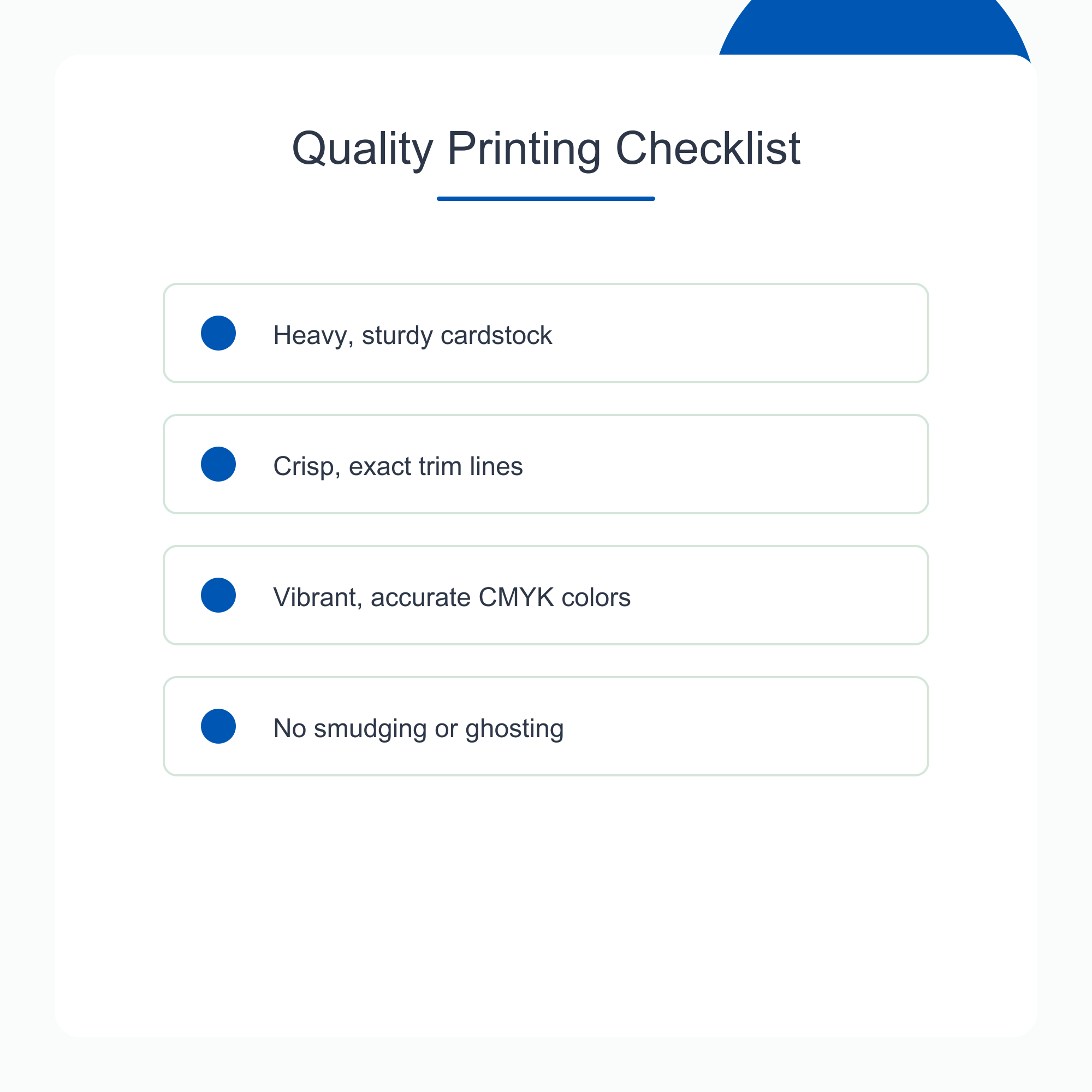
What determines print quality on press
Paper weight and feel
Cheap business card printing at true 16pt feels substantial; 14pt may be correct for handout volume jobs. Flyers on 100 lb text versus 80 lb text differ in opacity and curl in humidity. Menus need wipeable laminate or synthetic when grease is in the use case, not because premium sounds nice.
Color fidelity and CMYK conversion
RGB neon greens shift on digital presses. Brand blues need proof on chosen stock, gloss shifts hue versus matte. See our CMYK vs RGB guide. Economy pricing does not excuse skipping proof on critical brand colors.
Resolution and file integrity
300 DPI at final size for photos viewed up close; vector logos stay vector. Upscaled social images print soft regardless of tier. Prepress relinking beats blaming the press.
Trim, bleed, and cutter tolerance
Commercial cutters wander slightly within spec. Bleed and safe zones absorb variance. Files built at trim only white-edge when variance hits. Our bleed and safe zone guide maps product measurements.
| Quality factor | Buyer control | Shop control |
|---|---|---|
| Sharp photos | Source pixels, export settings | Preflight, RIP settings |
| Color match | CMYK-minded design, proof approval | Profile, stock calibration |
| Clean edges | Bleed in file | Cutter maintenance, imposition |
| Durable hand-feel | Stock choice in cart | Consistent media sourcing |
Cheap vs budget print: quality tier ladder
Relative defect/reprint risk index if specs are skipped (lower is better).
|
168Gang-run online
|
242Mid-tier online
|
328Local shop
|
418Premium boutique
|
Lowest price with skipped proof steps often costs more after a reprint.
Online vs local print shop quality
Both can excel or fail. Compare process, not mythology.
When online printing wins on value
Standardized products, cards, flyers, postcards, benefit from automated imposition and volume media buying. Online workflows with human proof layers combine speed with catch nets. Reorders from archived files reduce error.
When local shops win on complexity
Custom die cuts, odd sizes, tight handholding on brand color, and same-day walk-ins favor local relationships. Hybrid buyers upload to online for commodity jobs; visit local for bespoke packaging.
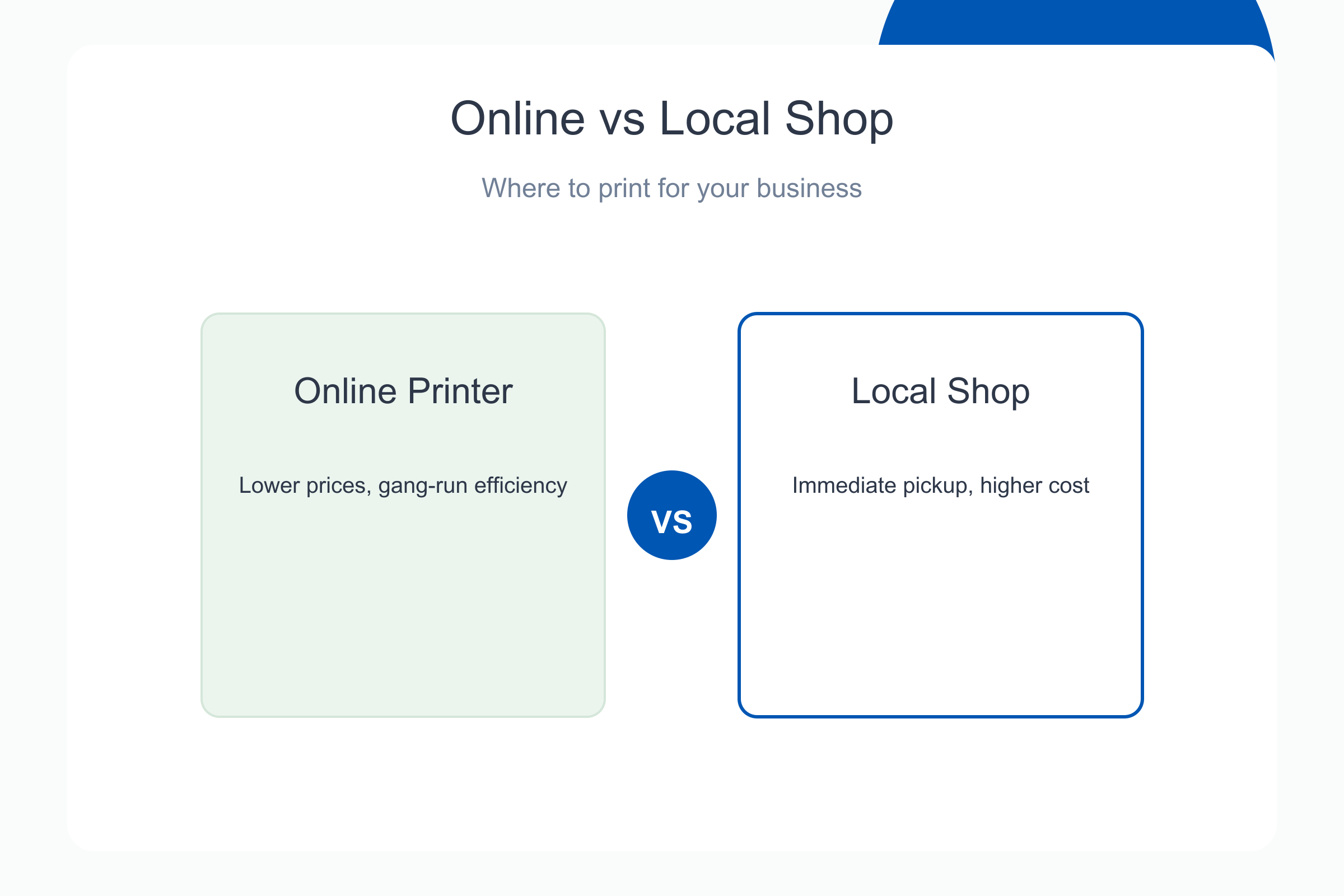
Hybrid buyers often upload commodity jobs online, cards, flyers, EDDM, and visit local shops for odd sizes, same-day pickup, or brand-critical color matching. Neither channel wins every SKU; your file quality and proof discipline matter more than the storefront model.
“Economy flyers looked fine once prepress fixed our soft logo. The reprint we avoided paid for a year of upgrades we thought we could not afford.”
Kevin D., nonprofit director, Portland
Quality tiers: economy, standard, premium
Labels vary by vendor; mechanics repeat.
Economy tier: who it serves
Handouts with short life, event flyers, draft menus, internal sheets. Standard stocks, digital color, fast turnaround. Quality is adequate when files are clean and expectations match use case.
Standard tier: the small-business default
Business cards, EDDM mailers, sell sheets. Heavier stocks, tighter preflight, optional spot UV or matte laminate. Most local marketing should live here.
Premium tier: when upgrade pays
Real estate listings, luxury retail, executive stationery. Thicker stocks, specialty finishes, stricter color control. Overkill for soda-shop coupon flyers.
| Tier | Typical products | When to skip upgrade |
|---|---|---|
| Economy | One-time event handouts | Never for brand-first cards |
| Standard | Cards, flyers, postcards | , |
| Premium | Portfolio pieces, key accounts | Short-lived promos |
Proof before you pay: the quality safety net
Digital proofs show trim, bleed, and intent color before production funds capture. Pay-later workflows separate file approval from payment, see our try print proofs before you pay guide. Complimentary prepress fixes, bleed extension, font embed, QR sizing, turn cheap tiers into smart value.
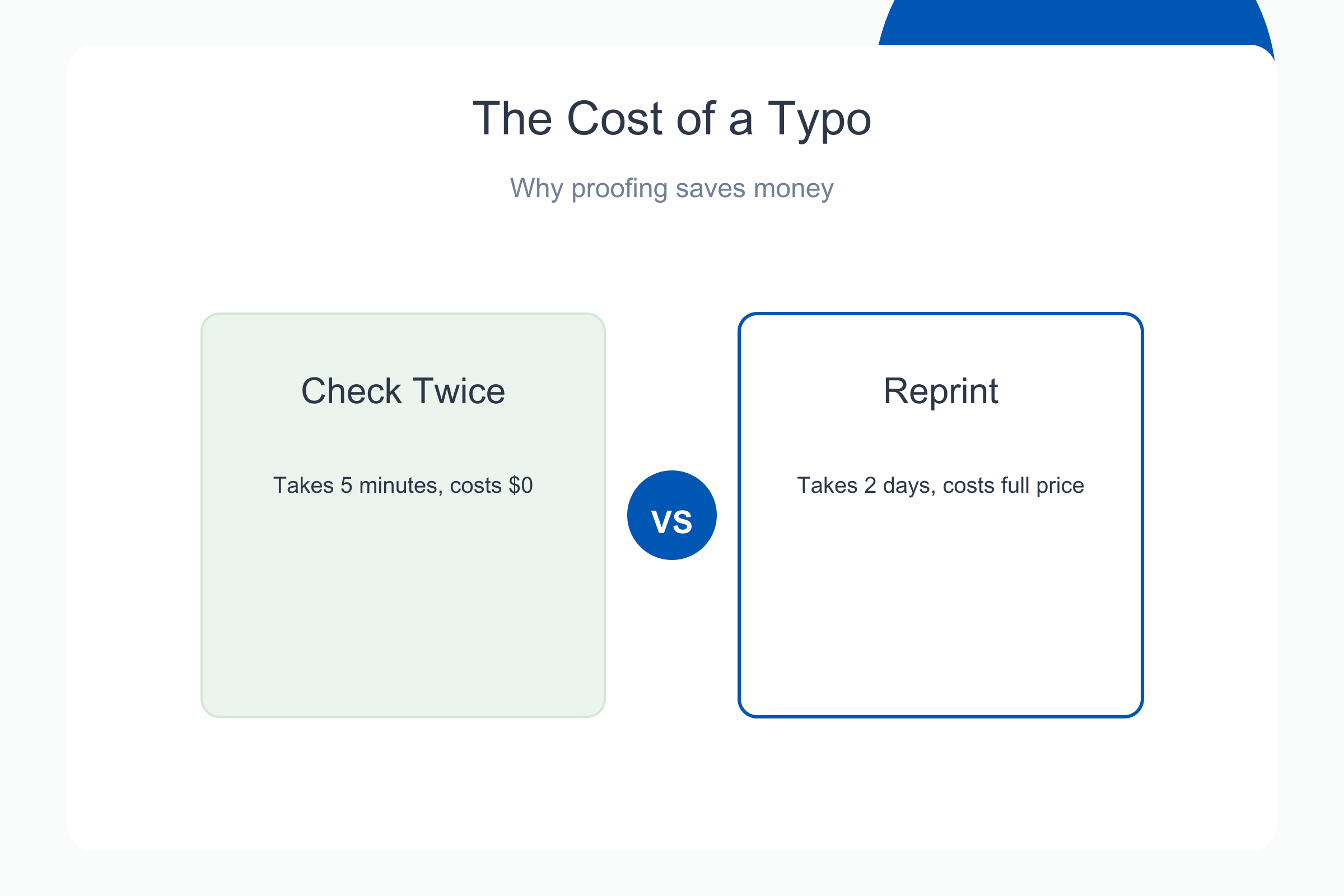
What a good proof review catches
Phone numbers on trim lines, RGB reds, missing bleed on photo backgrounds, QR quiet zones, back-front alignment on duplex cards. Approve at 100% zoom on edges, not thumbnail view.
Reading inexpensive printing reviews honestly
Cheap fast printing review threads mix file mistakes with vendor faults. Filter for mentions of reprint policy, support response, and spec accuracy. One-star “colors wrong” without proof approval differs from “clipped bleed after approved proof.”
Value checklist before you checkout
- Stock weight and finish match the job life, card in wallet vs flyer on windshields.
- Files pass bleed, DPI, and font embed checks.
- Proof reviewed on screen; sample ordered for new stock.
- Vendor documents reprint path if approved proof diverges from shipment.
- Tracking on mail campaigns if postage is bundled, print quality includes indicia compliance.
What drives printing costs up (and down)
Price follows equipment choice, stock, finishing, and overhead. Digital presses excel at short runs with fast setup; offset rewards long runs once plates are on. Lamination, spot UV, and foil add stations. Brick-and-mortar shops carry rent and walk-in service; online workflows batch standard sizes and pass savings through when files are clean.
Equipment: offset vs digital printing
Digital is ideal for hundreds to a few thousand pieces with variable data potential. Offset lowers unit cost at high volume when color is stable across the run. Either can deliver quality when prepress and profiles are managed honestly.
Finishing and overhead
Finishing adds time at the cutter, folder, or laminator. Online models reduce markup by automating imposition and archiving art for reorders. Local shops charge for consultation you may need on odd sizes or same-day pickup.
What cheap printing should never sacrifice
Affordable tiers should still document stock weight, color intent on proof, and cutter tolerance. Never accept mystery paper, skipped proofs, or no path to reprint when an approved proof diverges from shipment.
Color accuracy, stock feel, and clean trim
Color should match approved proof within normal press variance. Cards should match labeled pt weight. Trim should respect bleed you approved, with type inside safe zones intact.
Red flags: when cheap printing is actually cheap
- Inconsistent color batch to batch with no profile notes.
- Thin stock labeled premium; flimsy hand-feel on arrival.
- No proof workflow or support when files fail preflight.
- Hidden fees for bleed fixes, rush proof, or reprints after approval.
See our quality for yourself: order a sample
Order our free print sample package or upload art for a digital proof on pay-later checkout. Feel stock, scan a test QR, and approve trim before production payment.
Cheap Fast Printing: cheap name, documented specs
Speed and price fail without stated standards. We pair economy pricing with human preflight, archived reorders, and proof-before-pay options so inexpensive printing review stories skew toward corrected files, not surprises at the cutter.
Order our free print sample package to feel paper weights and finishes before you commit to a large run. Cheap, fast, and quality all start with the right stock choice.
Browse online printing options sized for this guide, upload art for a free proof, and approve before production payment.
Upload your file for a free proof. Approve trim, color intent, and QR readability before production payment.
Frequently asked questions
Is cheap online printing low quality?
Not always. Quality depends on file readiness, stock spec, prepress review, and cutter standards, not the word cheap in the brand name. Bad outcomes often trace to soft files or skipped proofs, not press tier alone. Compare specs on your proof, keep notes on what worked, and scale quantity only after a small test drop or sample feels right in hand.
What is the difference between cheap and budget printing?
Cheap describes price point; budget describes planned spend with defined value goals. Budget buyers still choose correct stock and proofs, they refuse overpaying for premium finishes on disposable handouts. Compare specs on your proof, keep notes on what worked, and scale quantity only after a small test drop or sample feels right in hand.
What paper weight should business cards use?
16pt is the common default for substantial feel; 14pt suits high-volume handouts. Finish, matte, gloss, soft-touch, affects perception as much as weight. See our paper weight guide for pairings. Compare specs on your proof, keep notes on what worked, and scale quantity only after a small test drop or sample feels right in hand.
How do I test print quality before a large order?
Request a digital proof at minimum; order a small physical sample or short run when stock or finish is new to you. Test QR scans and fold creases on the actual piece. Compare specs on your proof, keep notes on what worked, and scale quantity only after a small test drop or sample feels right in hand.
Why do my prints look different from the screen?
Monitors emit RGB light; presses lay CMYK ink on absorbent stock. Without proofing, color shift is expected. Design CMYK-minded and approve a proof on representative stock. Compare specs on your proof, keep notes on what worked, and scale quantity only after a small test drop or sample feels right in hand.
Are online printers better than local print shops?
Online excels at standardized products and reorders; local excels at custom jobs and walk-in collaboration. Quality comes from process and files at either channel. Compare specs on your proof, keep notes on what worked, and scale quantity only after a small test drop or sample feels right in hand.
What causes white edges on flyers?
Missing bleed in the source file combined with normal cutter variance. Extend backgrounds 1/8 inch past trim on color edges; keep type inside safe zones. Compare specs on your proof, keep notes on what worked, and scale quantity only after a small test drop or sample feels right in hand.
Does proof before pay improve quality?
Yes. Catching bleed, font, and QR issues on a proof prevents paying for defective runs. Pay-later plus human prepress fixes many file faults before ink. Pay-later checkout plus human preflight catches bleed, font, and QR issues before production funds capture, which prevents paying twice.