
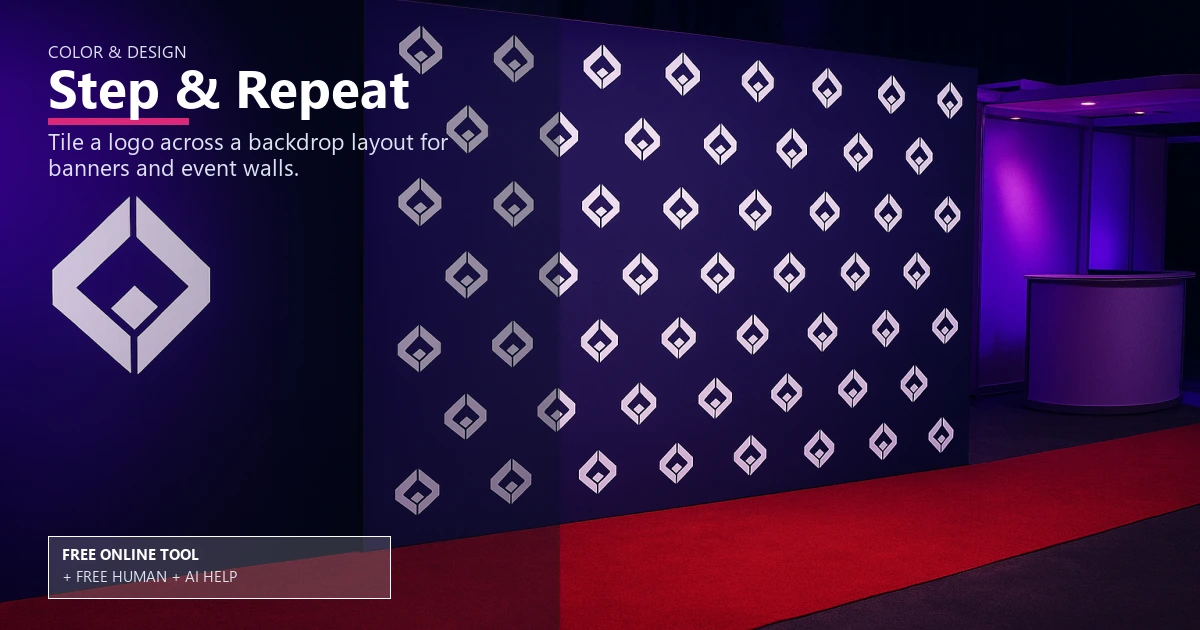
Free Step-and-Repeat Logo Tiler

Color & Design

Step and repeat generator for backdrops

Lay out a step and repeat logo backdrop with correct tile spacing, bleed, and print resolution. Use it free online — or upload files for free Human + AI review by our prepress team.

step and repeatlogo backdroptile spacingbleed and trimseam overlapevent brandingbanner standfabric vs vinylprint resolutionprepress checklist

Drop logo (PNG with transparency ideal)

Free Human + AI option

Not ready to trust the tool alone?

This Step & Repeat utility is 100% free in your browser. If you want our prepress team to run the same job manually — with AI assistance — upload your files and we will review and email you back at no charge.

  • Upload PDFs, images, spreadsheets, or screenshots of your results
  • Ask for Human + AI help with this exact task in the notes
  • Get a manual check plus AI-assisted fixes before you print

How to use this tool

  1. Upload your logo Add vector or high-res art to start.
  2. Set spacing and size Adjust tile spacing, bleed and trim, and banner stand size.
  3. Download print-ready art Export with seam overlap notes and a prepress checklist.
  4. Optional: request free Human + AI help Prefer a real prepress review? Upload your files and note “Step & Repeat” — our team will run the same task manually with AI assistance and email you back at no charge.

Every step above can also be handled by our team — use the Human + AI upload button if you prefer personal assistance.

Build a flawless backdrop

The step and repeat generator places logos evenly so your step and repeat layout looks balanced on any logo backdrop.

It manages tile spacing, bleed and trim, and seam overlap for wide banners.

Choose your material

Compare fabric vs vinyl and see which print resolution works best for each banner stand.

Pair it with the banner size calculator and DPI checker for final sizing.

Send to production

Add the file to your prepress checklist and upload via the file uploader, or order vinyl banners today.

Free online — or free Human + AI assistance

This page runs entirely in your browser at no cost. If you prefer a second set of eyes, email or upload your files through our complimentary file uploader and ask for Human + AI help with Step & Repeat. Our team will perform the same task manually, use AI where it helps, and send proof-ready feedback — also free.

Need broader design support? See our free Human + AI design services.

Frequently asked questions

What tile spacing should I use?

Keep logos 2-4 inches apart to stay readable in photos.

Do I need bleed?

Yes, add bleed and trim to avoid white edges after finishing.

Fabric or vinyl?

Fabric reduces glare; vinyl is durable and economical. Pick what fits your event.

Can I add pole pockets?

Yes, include finishing notes; the generator keeps print resolution steady.

Can your team do this for me instead of using the online tool?

Yes. The browser tool is free and private, but if you would rather not rely on it alone, upload your files via our complimentary file uploader and request Human + AI help with “Step & Repeat”. Our prepress team will review manually — with AI assistance — and reply for free.

Browse the free print toolbox

View all 31+ calculators and file utilities · Also try merge to PDF, PDF to JPG, and QR codes.

🔒 Secured by 256-Bit SSL | Data Protection Guaranteed | 10,000+ Happy Customers | A+ Rating