
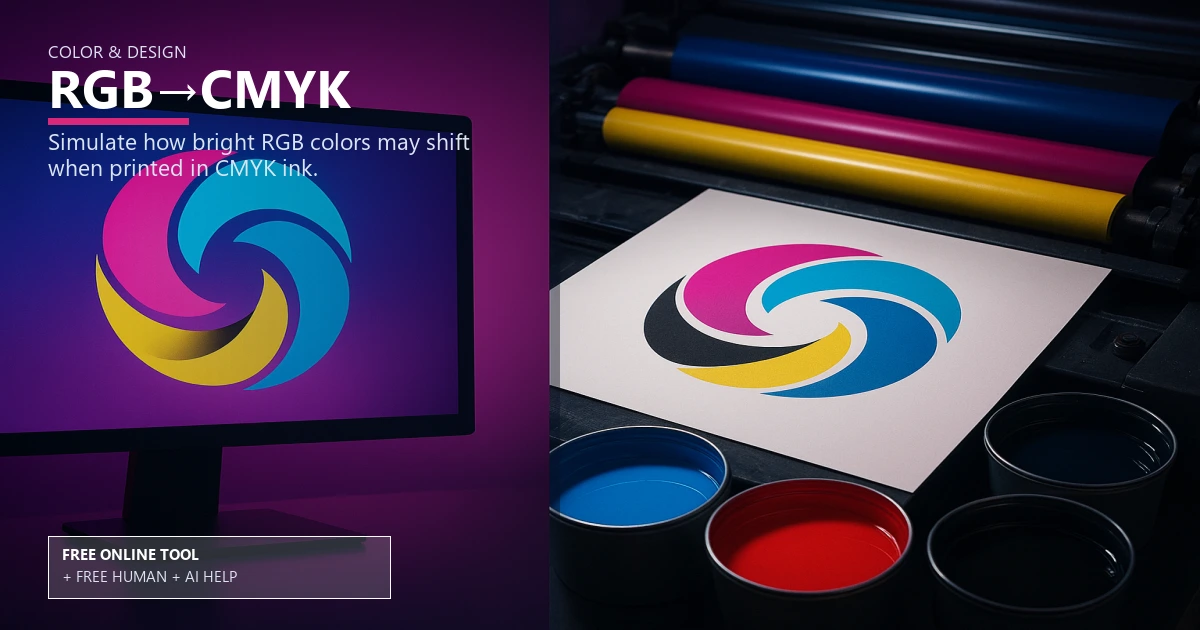
Free RGB to CMYK Print Preview

Color & Design

RGB to CMYK preview and soft proof

Simulate print color shift with a fast RGB to CMYK preview so brand colors stay on target. Use it free online — or upload files for free Human + AI review by our prepress team.

rgb to cmyksoft proofcolor shifticc profileprint simulationbrand colorsspot color alternativeink limitsprepress checklistdigital proof

RGB (screen)

CMYK preview (approx.)

Not a certified proof — request a hard proof or PDF proof for exact color matching.

Free Human + AI option

Not ready to trust the tool alone?

This RGB→CMYK utility is 100% free in your browser. If you want our prepress team to run the same job manually — with AI assistance — upload your files and we will review and email you back at no charge.

  • Upload PDFs, images, spreadsheets, or screenshots of your results
  • Ask for Human + AI help with this exact task in the notes
  • Get a manual check plus AI-assisted fixes before you print

How to use this tool

  1. Upload art Add your file and choose an ICC profile.
  2. Review soft proof See color shift, ink limits, and spot color alternative notes.
  3. Save and share Export previews to include in your prepress checklist.
  4. Optional: request free Human + AI help Prefer a real prepress review? Upload your files and note “RGB→CMYK” — our team will run the same task manually with AI assistance and email you back at no charge.

Every step above can also be handled by our team — use the Human + AI upload button if you prefer personal assistance.

Preview before you print

The RGB to CMYK preview runs a soft proof to show color shift so brand colors stay accurate on press.

Choose the right ICC profile, monitor ink limits, and note any spot color alternative when needed.

Plan your production route

Compare print simulation for coated vs uncoated stocks, then run files through the color contrast checker to protect legibility.

Use the DPI checker and bleed visualizer before sending to press.

Share with your team

Attach the preview to a digital proof, add it to your prepress checklist, and upload final art through the file uploader.

Free online — or free Human + AI assistance

This page runs entirely in your browser at no cost. If you prefer a second set of eyes, email or upload your files through our complimentary file uploader and ask for Human + AI help with RGB→CMYK. Our team will perform the same task manually, use AI where it helps, and send proof-ready feedback — also free.

Need broader design support? See our free Human + AI design services.

Frequently asked questions

Why do colors shift?

RGB to CMYK conversion reduces gamut; the soft proof shows the expected shift.

Which ICC profile should I pick?

Use a profile that matches your paper and press; start with GRACoL or SWOP.

Does this replace a press proof?

No, but it narrows risk and helps you request a tighter digital proof.

Can I test ink limits?

Yes, preview ink limits to avoid muddy builds before production.

Can your team do this for me instead of using the online tool?

Yes. The browser tool is free and private, but if you would rather not rely on it alone, upload your files via our complimentary file uploader and request Human + AI help with “RGB→CMYK”. Our prepress team will review manually — with AI assistance — and reply for free.

Browse the free print toolbox

View all 31+ calculators and file utilities · Also try merge to PDF, PDF to JPG, and QR codes.

🔒 Secured by 256-Bit SSL | Data Protection Guaranteed | 10,000+ Happy Customers | A+ Rating