


- A free QR code for print should link to a live HTTPS URL, use high error correction, and meet minimum size by product so phones scan after trim and lamination.
- Static QR codes encode a fixed URL forever; dynamic QR codes redirect through a short link you can change later without reprinting.
- Our complimentary free design service generates, sizes, and places QR codes inside safe zones on cards, flyers, banners, and menus before you approve a proof.
A free QR code for print is one of the highest-return upgrades you can add to business cards, flyers, banners, and menus—if the code is sized, contrasted, and positioned for real-world scanning. Too many print jobs ship with QR modules clipped at trim, URLs that point to broken landing pages, or codes shrunk to fit a crowded layout that no camera can read under store lighting. This guide explains static vs dynamic QR codes, minimum scannable dimensions by product, where to place symbols inside bleed and safe zones, how our complimentary design team builds and proofs codes before ink, and practical choices when you are deciding between a DIY generator export and a prepress-finished PDF. If you are also refreshing card art, pair this with our free business card templates guide, which covers native QR placement on 3.5×2 layouts.
What is a free QR code for print and who needs one?
A free QR code for print is a two-dimensional barcode encoding a URL, vCard, Wi-Fi string, or payment path—exported as vector or high-resolution raster art and embedded in a press-ready layout. Restaurants use them for menus and ordering; contractors for estimate forms; salons for booking; events for tickets; retailers for reviews. You need one when your printed piece has a single digital action that should take under three seconds on a customer’s phone. Skip QR when the only CTA is a phone number customers already dial from memory, or when the code would be smaller than the minimum for that product.
Static vs dynamic QR codes for printed marketing
Every QR symbol looks similar on paper. The difference is what happens after the scan and whether you can change the destination without reprinting.
Static QR codes: fixed URL, zero subscription
Static QR codes bake the full destination URL into the modules. Scan → browser opens that exact address. They are ideal when the link is stable for the life of the print run: your main website, a permanent menu PDF, a vCard download, or a Google Business review page tied to one location. Generators are widely free; export as SVG or PDF vector when possible so edges stay crisp on cards and flyers. The tradeoff is rigidity: if you change domains, rename landing paths, or swap promotions mid-campaign, old printed pieces keep sending people to the outdated URL.
Dynamic QR codes: editable destination behind a short link
Dynamic QR codes encode a short redirect URL managed on a platform dashboard. Scan → platform → current destination you configured. Change the dashboard target and the same printed code can point to a new offer, seasonal menu, or event RSVP without redesigning the flyer. That flexibility helps multi-location brands, rotating weekly specials, and A/B tests on landing pages. Dynamic services may have account limits, analytics, or renewal fees depending on provider—factor that into long-lived signage. For one-time event handouts with a fixed date, static is often simpler and fully free.
Which type to choose before you print
Choose static when the URL will not change before the paper is recycled: business cards with your primary site, appointment links that rarely move, review requests. Choose dynamic when marketing rotates faster than print: monthly promo flyers, table tents with weekly features, banner campaigns you reuse quarterly with new landing pages. Whichever you pick, test on both iOS and Android after proofing, not only on your own phone over Wi-Fi.
Visual comparison: static vs dynamic at a glance
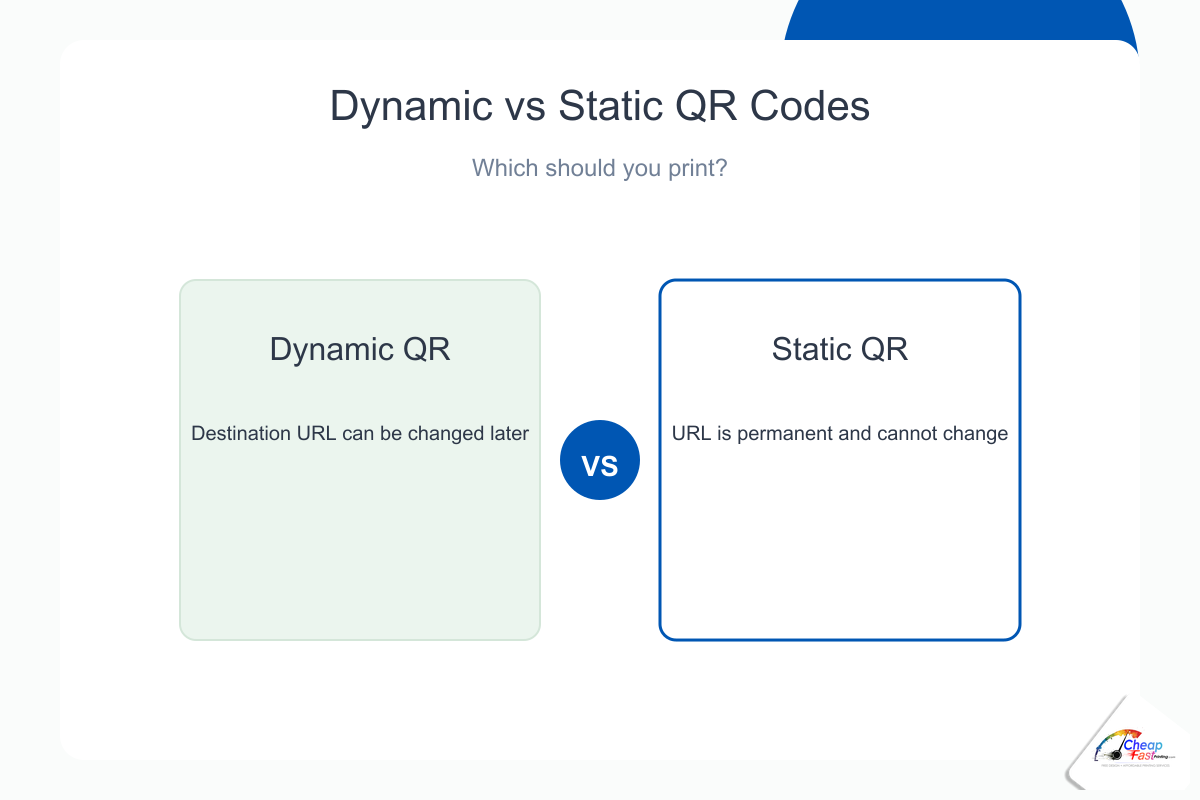
Static codes encode the destination directly in the printed pattern. Dynamic codes encode a redirect managed online. The diagram shows why dynamic codes cost more to operate but save redesigns when your offer changes weekly.
Minimum QR code size and quiet zone for print
QR sizing is not one number for every product. Viewing distance, ink spread on uncoated stock, lamination softening, and logo embedding all change the minimum. ISO/IEC standards define module size; practical print shops add margin because cutters vary and phones autofocus in imperfect light.
Quiet zone, contrast, and error correction
Every QR needs a quiet zone—empty margin around the symbol where no text, rules, or photos intrude. Think of it as part of the code, not whitespace to fill. Black on white or very dark on very light backgrounds scan best; yellow modules on cream paper fail more often than buyers expect. If you embed a logo in the center, raise error correction to level Q or H and do not shrink modules to compensate—logo-in-center is not permission to go smaller than minimum size.
Minimum scannable size by product type
Use these starting minimums for finished, printed size of the QR symbol including quiet zone on coated stock viewed at the product’s typical distance. Uncoated or heavily textured stocks may need one step larger; our prepress team adjusts per file.
| Product | Typical viewing distance | Minimum QR size (approx.) | Notes |
|---|---|---|---|
| Business card | Arm’s length | 0.8 × 0.8 in (20 mm) | Keep inside safe zone; avoid trim corners |
| Flyer / handout (4×6, 5×7) | Arm’s length | 0.85 × 0.85 in | Pair with short CTA label; test after fold |
| Letter flyer / brochure panel | Arm’s length | 1.0 × 1.0 in | More room—use it for legibility |
| Menu / table tent | Seated, 18–30 in | 1.0 × 1.0 in | Grease and laminate reduce contrast |
| Banner / yard sign | 3–15 ft | 1.5 × 1.5 in to 3 × 3 in+ | Scale with banner width and distance |
| Poster (wall) | 3–10 ft | 1.25 × 1.25 in minimum; larger for wide formats | One code per primary CTA; avoid clutter |
When in doubt, err larger. A slightly oversized QR on a flyer rarely hurts design; an undersized one wastes the entire print run.
QR codes on business cards
Business cards are the most unforgiving QR surface because the format is small, wallets flex, and lamination can blur fine modules. Put HTTPS links to booking, portfolio, or vCard—not raw Wi-Fi strings customers cannot preview.
Placement on 3.5×2 cards
Favor the back face if the front is photo-heavy or uses dark flood coats that show through. On the front, anchor the QR in a lower corner inside the safe margin, opposite the logo diagonal when possible so the card balances visually. Never place modules across a rounded-corner die path unless the template explicitly extends quiet zone for that SKU.
Sizing and proof habits for cards
Target at least 0.8 × 0.8 inches finished on coated 14pt or 16pt stocks. Scan the approved proof PDF printed at 100% on office laser before approving five hundred cards—screen preview lies about glare. Template packs in our business card templates article mark QR zones so cutters do not clip quiet margin; start there if you are rebuilding card art.
QR codes on flyers, postcards, and handouts
Flyers give more room than cards, which tempts designers to shrink the code anyway. Resist. Flyers are read in motion—walking out of a shop, folded in a bag, glanced under street light.
Layout patterns that scan
Place one primary QR near the offer block, not isolated in a busy photo. Use a white or light keyline plate behind dark photos so modules stay high contrast. For 4×6 postcards, one inch square is a comfortable target when space allows. For 8.5×11 detail sheets, you can go larger and add a second code only if the actions differ—menu vs. RSVP— not duplicate URLs.
Branded QR on promotional flyers
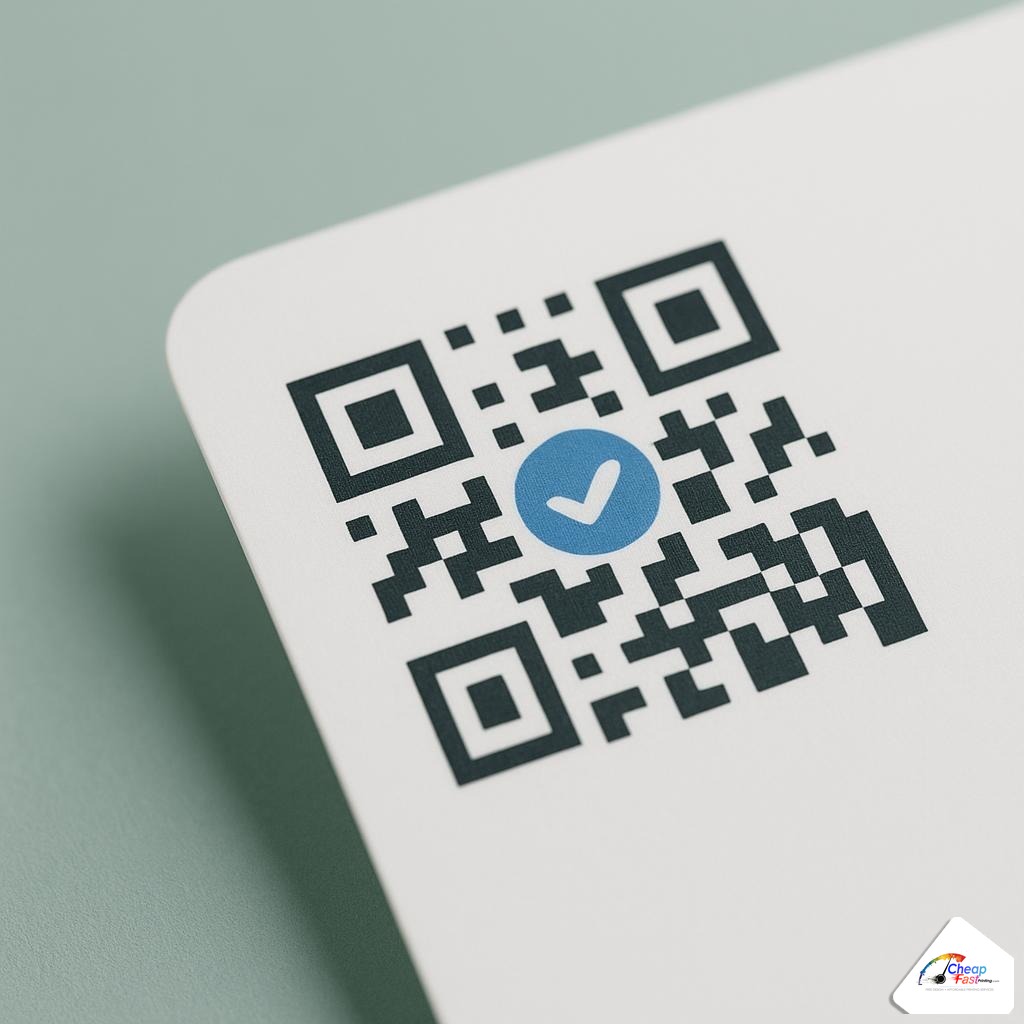
Center logos inside QR are on-brand when error correction is high and size stays above minimum. Avoid tinting modules to brand teal at low contrast; scanners are less forgiving than human eyes.
QR codes on banners, yard signs, and large signage
Banners are viewed farther away, so QR must be physically larger even though the encoded data is the same. A code that works on a card will not work at the bottom of a 3×6 foot banner viewed from the parking lot.
Scaling rule of thumb for distance
Double the printed QR dimension roughly when viewing distance doubles—from card distance to a few feet for counter banners, and again for yard signs. Test at the farthest practical scanning distance your layout allows; if you need engagement from thirty feet, the QR may need several inches per side and a bold “Scan here” band.
Wind, seams, and grommets
Keep QR away from grommet holes and pole pockets where flex and wrinkles distort modules. On retractable banners, place the code in the lower third above the cassette line where the graphic stays flatter. UV outdoor inks can lighten blacks—prepress may deepen rich black plates so modules stay distinct.
QR codes on menus, table tents, and counter cards
Restaurant and café menus shifted heavily toward QR for full menus, wine lists, and loyalty signup. Menus face grease, wipe-down chemicals, and warm lighting—contrast matters as much as size.
Table tents and laminated menus
Table tents should carry one code per face maximum, sized at least one inch on the standing panel customers see from their seat. Lamination adds glare; matte laminate or a light keyline box around the symbol improves lock-in. For tri-fold menus, put the primary ordering QR on the back cover where hands do not smudge the largest module field.
Allergen PDFs vs. on-page ordering
Static QR to a hosted PDF works when the file name is stable; dynamic QR helps when the kitchen updates allergens weekly. Label the action clearly—”Full allergen list” vs. “Order online”—so guests know what to expect after scan.
How our free design service places QR codes for you
Generators output a square; prepress places that square where production and scanners agree. Our complimentary design workflow covers QR end to end when you print with us.
What we do on upload
Send your layout, Canva export, logo-only brief, or a list of URLs you want encoded. Designers generate static QR at appropriate error correction, size per product table above, snap quiet zones inside safe margins, and return a proof PDF. We fix clipped bleed, rebuild low-contrast codes on busy photos, and split one URL across multiple pieces only when you request tracked paths for different stores.
No generator account required
You do not need to learn vector export settings before asking for help. Paste the destination link in order notes; prepress returns scannable art aligned to your flyer, card, banner, or menu template. Review the proof on paper, approve, then release payment—same proof-first habit as other product lines.
Share your link and layout—or only your logo and URL. We generate, size, and position a scannable QR before you pay.
Frequently asked questions about QR codes for print
Are QR code generators really free for print use?
Yes. Static QR generators are widely free for commercial print URLs. You pay for printing, stock, and finishing—not for the barcode pattern itself. Dynamic QR platforms may charge for analytics or advanced redirects; read terms before you rely on them on long-run signage.
What is the difference between static and dynamic QR codes on flyers?
Static codes always open the same URL encoded in the symbol. Dynamic codes open a managed short link that can redirect to new pages without reprinting. Use static for stable links; dynamic for rotating promos on reused banner art.
How small can a QR code be on a business card?
Plan for at least 0.8 × 0.8 inches finished on coated card stock, with full quiet zone inside the safe margin. Smaller codes sometimes scan on screens but fail after lamination or in pocket glare. Template placement guides in our business card templates article match these limits.
What size QR should I use on a yard sign or banner?
Scale with distance. Counter banners may need roughly 1.5 inches; yard signs and wide banners often need several inches per side. Test from the farthest distance you expect scans. The chart earlier on this page lists starting minimums by product family.
Can I put my logo inside the QR code?
Yes, with high error correction (Q or H) and without shrinking below minimum module size. Keep logo simple, avoid covering finder patterns in corners, and maintain contrast. Prepress tests branded codes on proof before bulk runs.
Should menus use static or dynamic QR for daily specials?
Daily or weekly changing specials benefit from dynamic QR so the printed table tent stays valid. Fixed full menus and allergen PDFs with stable hosting can use static codes without a dashboard subscription.
Will your design team create the QR if I only send a URL?
Yes. Include the exact HTTPS destination in order notes or the design brief. Complimentary prepress generates, sizes, and places the code inside safe zones on your card, flyer, banner, or menu file, then sends a proof PDF for approval.
Where do I upload art that still needs a QR added?
Upload your partial layout through the file uploader, note the product size and destination URL, and request QR placement in comments. You will receive a proof to review before production on pay-later workflows.